
Every call the AI Receptionist takes is recorded, transcribed and summarised. Reviewing them tells you what callers need, what the receptionist got right, and what to tweak in its settings.
Before you start
You need access to Conversations (owner, admin or staff).
Open the AI calls
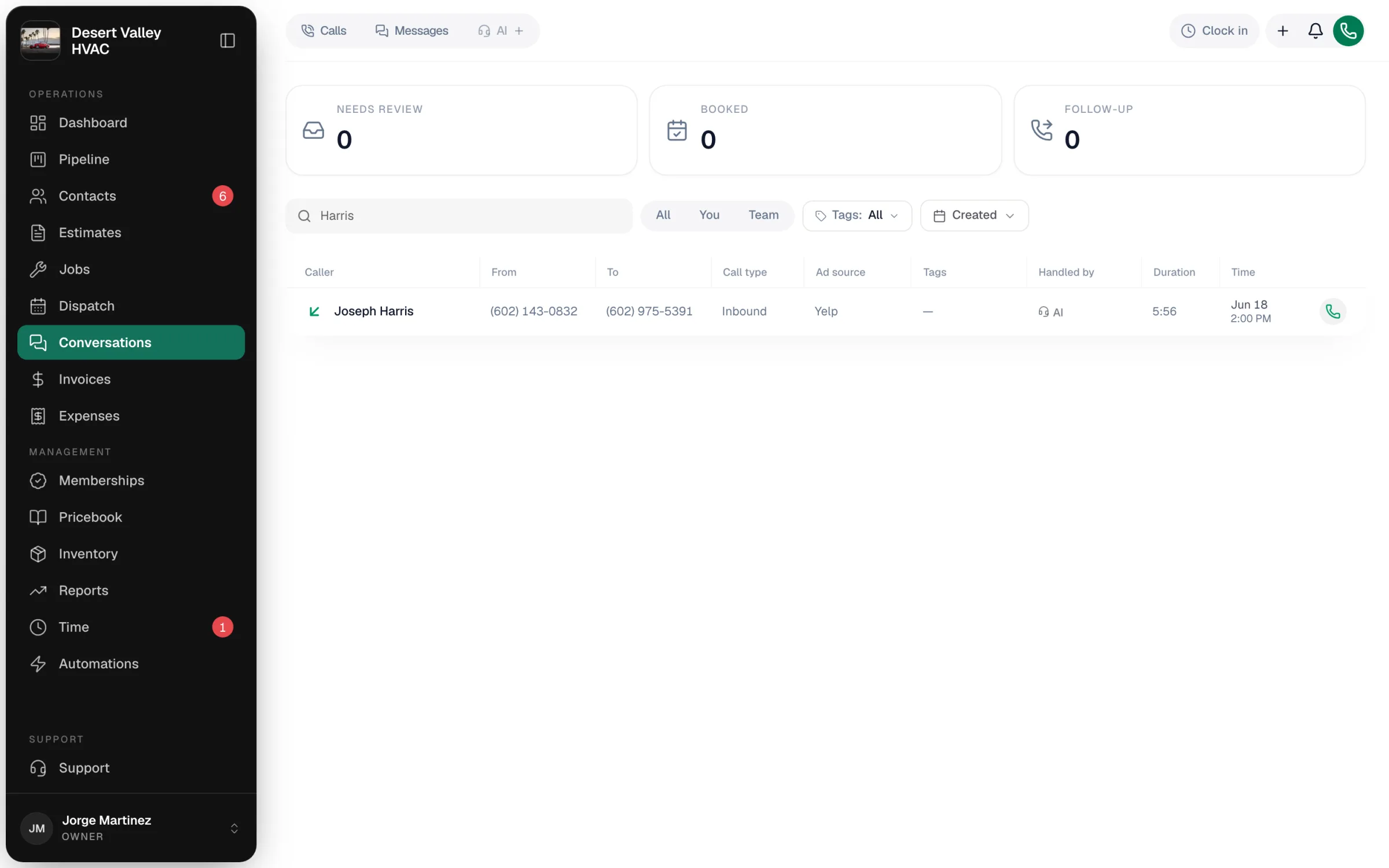
Go to Conversations and click AI at the top. The tiles show what needs attention:
| Tile | Calls in it |
|---|---|
| Needs review | New calls nobody has dealt with yet. |
| Booked | Calls that were turned into a job. |
| Follow-up | Calls with open to-dos. |
Click a tile to filter to those calls. Search by name or number, and use Created for a date range. Calls under Handled by show AI.
Open a call
Click a call to open it.
| Section | What it shows |
|---|---|
| Header | A one-line summary of the call, the caller, when they called and how long it lasted. Chips show AI, Emergency or Urgent, the caller's mood, and Scheduled once a job is booked. |
| Captured details | Service address, intent, equipment, requested slot, callback number, and the lead source when the caller dialed a tracking number. View customer when they're in Contacts. |
| To-dos from this call | Messages and questions to follow up, each with its category (for example Invoice question or Schedule change) and a Mark done button. |
| Conversation | The recording and the transcript, turn by turn. Click any line to jump to that moment. |
Act on it
| Button | What it does |
|---|---|
| Schedule job | Creates the job (and the customer, if they're new) and opens it so you can set the time and tech. See Booking new jobs directly from a call. |
| Add address to schedule | Appears when the receptionist didn't get an address. Type it, then Save & convert to job. |
| Mark handled | You dealt with it. Clears it from Needs review. |
| Not a job | A question or message, not work to book. |
| Ignore | Spam, a wrong number, or nothing to act on. Hides the call. |
| Block number | Stops this number from reaching you. See Spam filtering and blocked numbers. |
What to look for in transcripts
| You notice | Change |
|---|---|
| It couldn't answer a common question | Add the answer on the FAQ tab. See Adding business facts. |
| The opening takes too long | Shorten The first line callers hear. See Customizing the AI Receptionist. |
| Callers keep asking for a person | Turn on transfers. |
| It sounds too chatty or too curt | Change the Tone. |
Good to know
- Alerts: your office gets a notification in the bell when the receptionist takes a call, and owners and admins get an urgent push for emergencies.
- How long recordings are kept is set on the FAQ tab under Recording retention.