
Run a Call has a public REST API for connecting your own tools: import customers from another system, pull jobs and invoices into a spreadsheet or data warehouse, or have an automation platform like Zapier, Make or n8n react to what happens in your account. This page is a quick orientation. The full reference lives at docs.runacall.com.
The API is meant for developers or anyone comfortable with tools that make web requests. Only the account owner can create API keys.
Where to start
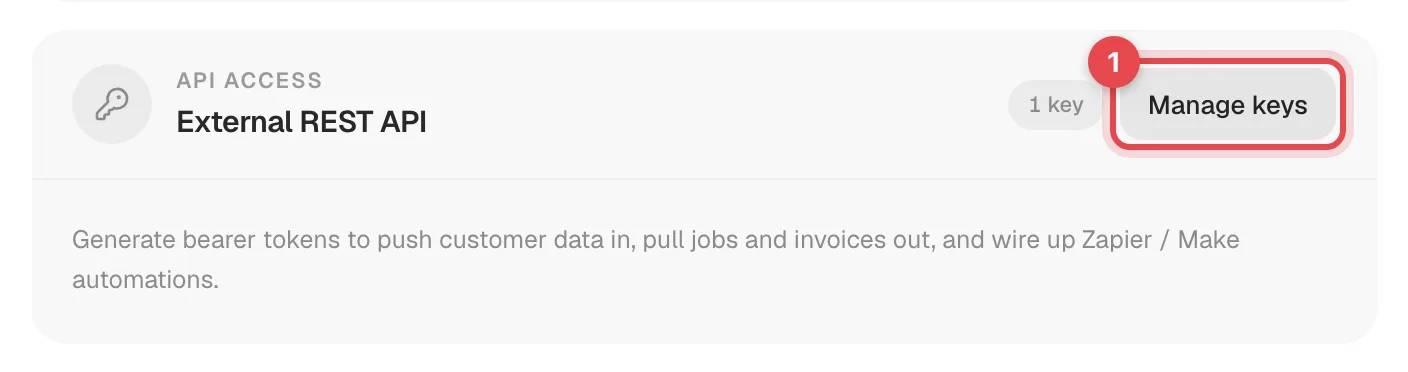
Go to Settings → Integrations. Two cards cover the API:
- External REST API — click Manage keys to create and revoke API keys. See Generating API keys.
- Webhooks — click Manage subscriptions to get notified when things happen. See Subscribing to webhooks.
The basics
| Base URL | https://api.runacall.com/v1 |
| Authentication | Authorization: Bearer rkc_live_... on every request |
| Format | JSON in, JSON out. Write requests need Content-Type: application/json. |
| Permissions | Each key has Read (all GET requests) and/or Write (POST and PATCH) access |
| Deleting | There are no delete endpoints. Deleting records is done in the app. |
| Your data only | A key only ever sees your company's records. |
Quick test:
curl https://api.runacall.com/v1/customers \
  -H "Authorization: Bearer rkc_live_..."
What you can reach
| Resource | Read | Write |
|---|---|---|
| Customers, properties, equipment, equipment systems | List, get, look up | Create, update |
| Jobs and their appointments (visits), job tags | List, get | Create, update, assign techs, add tags |
| Memberships | List, get, look up | Create, update, transfer to a new homeowner |
| Estimates, invoices | List, get, look up | — |
| Payments | List, get | — |
| Pricebook, tags | List, get | — |
| AI receptionist calls, communications | List, get | — |
The exact fields, filters and examples for each are at docs.runacall.com.
Things integrators should know
- No duplicates on re-runs. Customers, properties, equipment, jobs and memberships accept an
external_idplusexternal_source(your system's ID). Sending the same pair again updates the existing record instead of creating a second one — so an import script is safe to re-run. - Paging. Lists return up to 50 records by default (
limitup to 100), withhas_moreand anext_cursoryou pass back asstarting_after. - Rate limits. 60 requests per minute per key, short bursts up to 120 in 10 seconds, and 300 per minute across all of your keys combined. Going over returns
429with aRetry-Afterheader. Need more? Contact support. - Errors share one shape with a
code, a readablemessageand arequest_id. Include therequest_idwhen you contact support. - Merged customers. If your team merges two customers, requests for the merged-away customer return
410with the surviving customer's ID.
Webhooks instead of polling
Rather than asking the API "anything new?" every few minutes, subscribe to webhooks and Run a Call sends each event — a new customer, a scheduled job, a paid invoice — to your URL as it happens. See Subscribing to webhooks.
Common uses
| Goal | Approach |
|---|---|
| Move customers in from another system | POST /customers, /properties, /equipment with your own external_id |
| Reporting in a spreadsheet or BI tool | Page through GET /jobs, /invoices, /payments |
| Zapier, Make or n8n flows | Webhooks as triggers, API calls as actions — see Connecting Run a Call to Zapier, Make or n8n |
| React to a missed call or a paid invoice | Webhooks |