
An API key lets another program — an import script, a reporting tool, a Zapier or Make flow — read or change data in your Run a Call account through the REST API. You create keys in settings, and you can shut one off instantly if it's no longer needed.
Only the account owner can create, view or revoke API keys.
Open API access
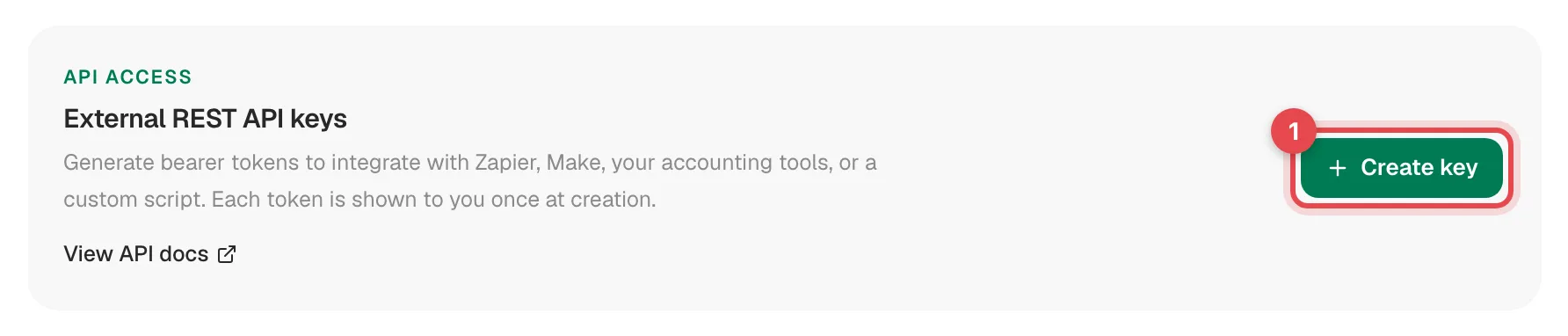
Go to Settings → Integrations and click Manage keys on the External REST API card. The page lists every key your company has created, with a View API docs link to the full reference.
Click Create key
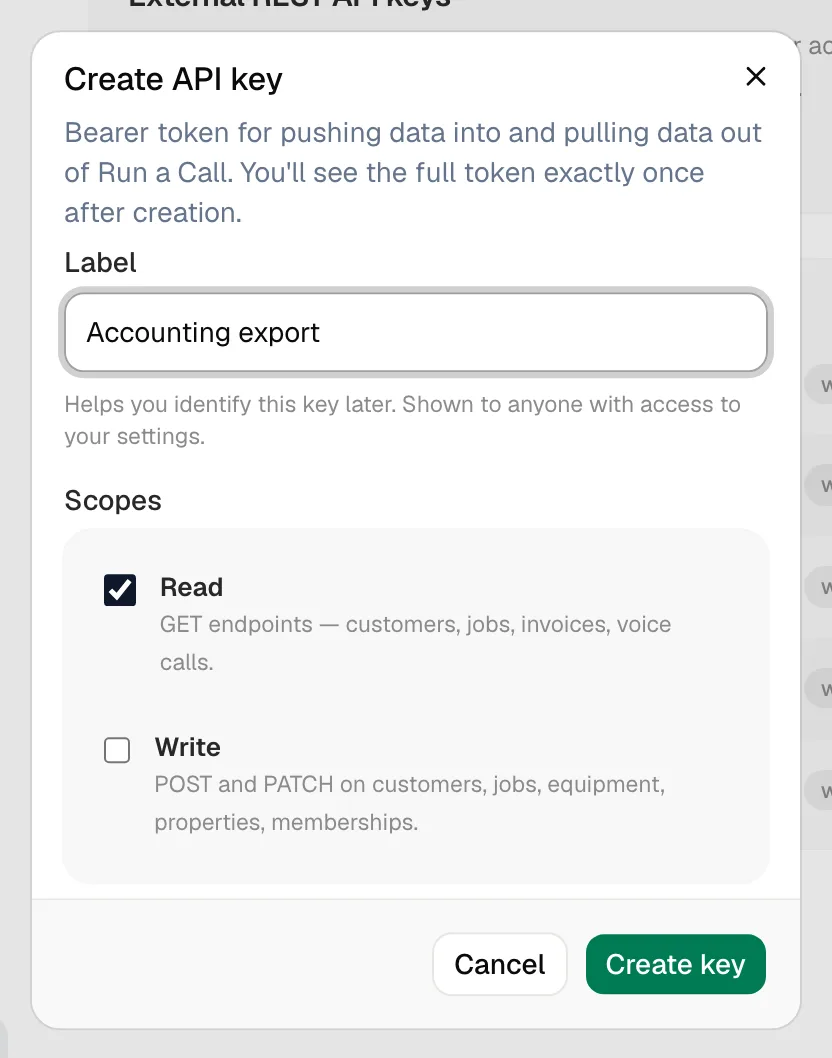
Name the key and pick its access
| Field | What to enter |
|---|---|
| Label | What the key is for, like Zapier or Accounting export. Anyone who can see your settings sees this name. |
| Read | Lets the key make GET requests — list and look up customers, jobs, invoices, calls and more. On by default. |
| Write | Lets the key create and update records (POST and PATCH) — customers, properties, equipment, jobs, memberships. |
Give each key only what it needs. A reporting tool only needs Read.
Copy the key
Click Create key. The next screen, Save your API key, shows the full key once (it starts with rkc_live_). Click Copy token, paste it into the tool that needs it, then click Done.
Run a Call stores only a scrambled version of the key, so it can never show it again. If you lose it, create a new key and revoke the old one.
Your key list
| Column | What it shows |
|---|---|
| Label | The name you gave it, with the first characters of the key underneath so you can tell keys apart |
| Scopes | read, write or both |
| Last used | When the key last made a request, or Never used |
| Status | Active, Revoked or Expired |
Click a key to see 7-day requests, 7-day errors, Last used, and Recent activity — each request's method, path, status, response time and when it happened. It's the quickest way to see whether an integration is working.
Revoking a key
- On the key's row, click the revoke (shield) icon.
- Confirm Revoke API key? — "The key stops working immediately. Any integration using it will start failing with 401. This can't be undone."
Revoked keys stay in the list, marked Revoked, so you have a record.
Replacing a key
There's no one-click rotate. To swap a key without downtime:
- Create a new key with the same access.
- Update the tool or script to use the new key.
- Check the old key's Last used stops changing, then revoke it.
Keeping keys safe
- Treat a key like a password — anyone who has it can read (and with Write, change) your company's data.
- Don't put keys in web pages, shared documents or emails.
- Use one key per tool, so you can revoke one without breaking the others.
- If a key may have leaked, revoke it right away and create a new one.