
The service list is the first question on your booking page: What service do you need? Keep it short and in your customers' words so they pick the right thing quickly.
Who can do this
Owners and admins. Online booking must be turned on — the Service Types card only appears when Enable online booking is on.
Open the service list
Go to Settings → Online Booking and scroll to Service Types. Changes save automatically — there's no Save button.
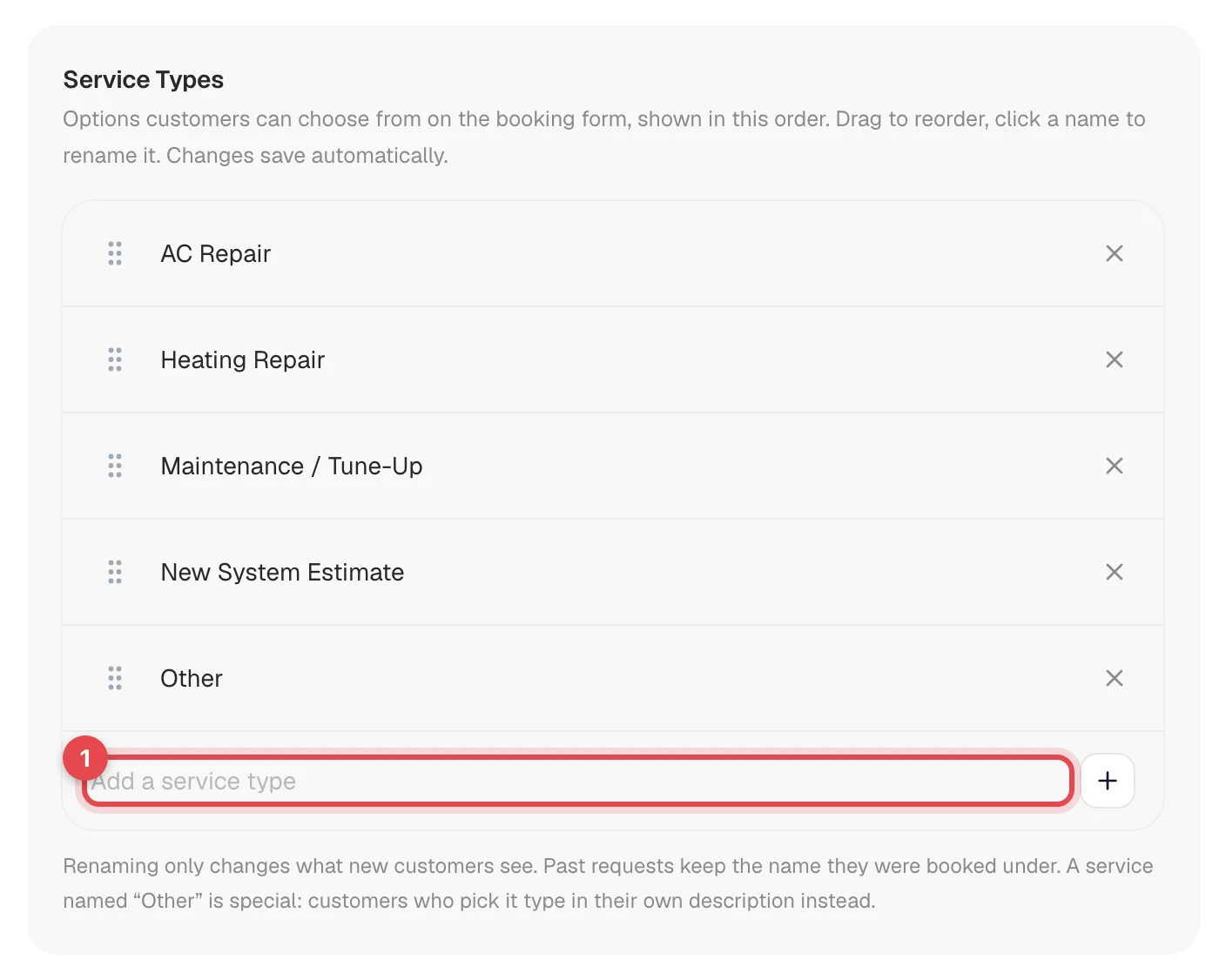
Add a service
Type the name in the Add a service type box at the bottom of the list, then press Enter or click +. It's added to the end of the list.
Rename a service
Click the name, edit it, then press Enter or click anywhere else. Press Esc to cancel your edit.
Renaming only changes what new customers see. Requests that already came in keep the name they were booked under.
Reorder services
Drag a service by the handle on its left. Customers see the services in the same order, top to bottom — put your most-requested ones first.
Remove a service
Click the X on the right of the row. Past requests that used that service aren't affected.
The starting list
If you've never changed it, your list is:
- AC Repair
- Heating Repair
- Maintenance / Tune-Up
- New System Estimate
- Other
Rules the list follows
| Rule | What you'll see |
|---|---|
| At least one service | Removing the last one shows At least one service type is required. |
| No duplicates | Adding a name that's already on the list (capitals and extra spaces ignored) shows Service already exists and doesn't add it. Renaming to one puts the old name back. |
| No blank names | Clearing a name shows Service name can't be empty and puts the old name back. |
| "Other" is special | A service named Other asks the customer to type what they need. What they type is saved as the service on their request. |
Tips
- Use the customer's words. "AC not cooling" or "AC Repair" beats "Cooling system diagnostic".
- Keep it to a handful. A long list slows people down on a phone.
- Keep "Other". It catches requests that don't fit the list, so nobody gives up.
Customers pick one service per request. The service is a label for your office — it doesn't set a price, pick a tech, or limit which days can be booked.