
In Run a Call, leads and customers live in the same place: Contacts. There's no separate leads list to move people out of. Each contact has a status that shows where they are — from a first phone call to a paying customer — and their calls, estimates, jobs, and equipment stay attached the whole way.
The statuses
| Status | Means |
|---|---|
| Lead | Someone reached out but hasn't been quoted or booked yet |
| Prospect | You're talking with them; they're a real opportunity |
| Quoted | They've been given an estimate |
| Customer | They've booked work with you |
| Inactive | A lead that went nowhere, or a customer you no longer serve |
How new contacts start
| How the contact was created | Starting status |
|---|---|
| Added by hand from Contacts or the + menu | You pick the Status on the form. It starts on Customer (active) — change it to Lead or Prospect if they haven't booked yet. |
| Online booking request | Lead |
| Imported from a spreadsheet | Customer |
Status moves forward on its own
You don't have to update statuses by hand for the common steps:
| When this happens | The contact becomes |
|---|---|
| An estimate is created for a lead or prospect | Quoted |
| A job is created for them | Customer |
| They approve an estimate (online or on-site), or an estimate is turned into a job | Customer |
| The AI Receptionist books them a job from a call | Customer |
Statuses only move forward automatically — a customer is never moved back to lead.
Move someone yourself
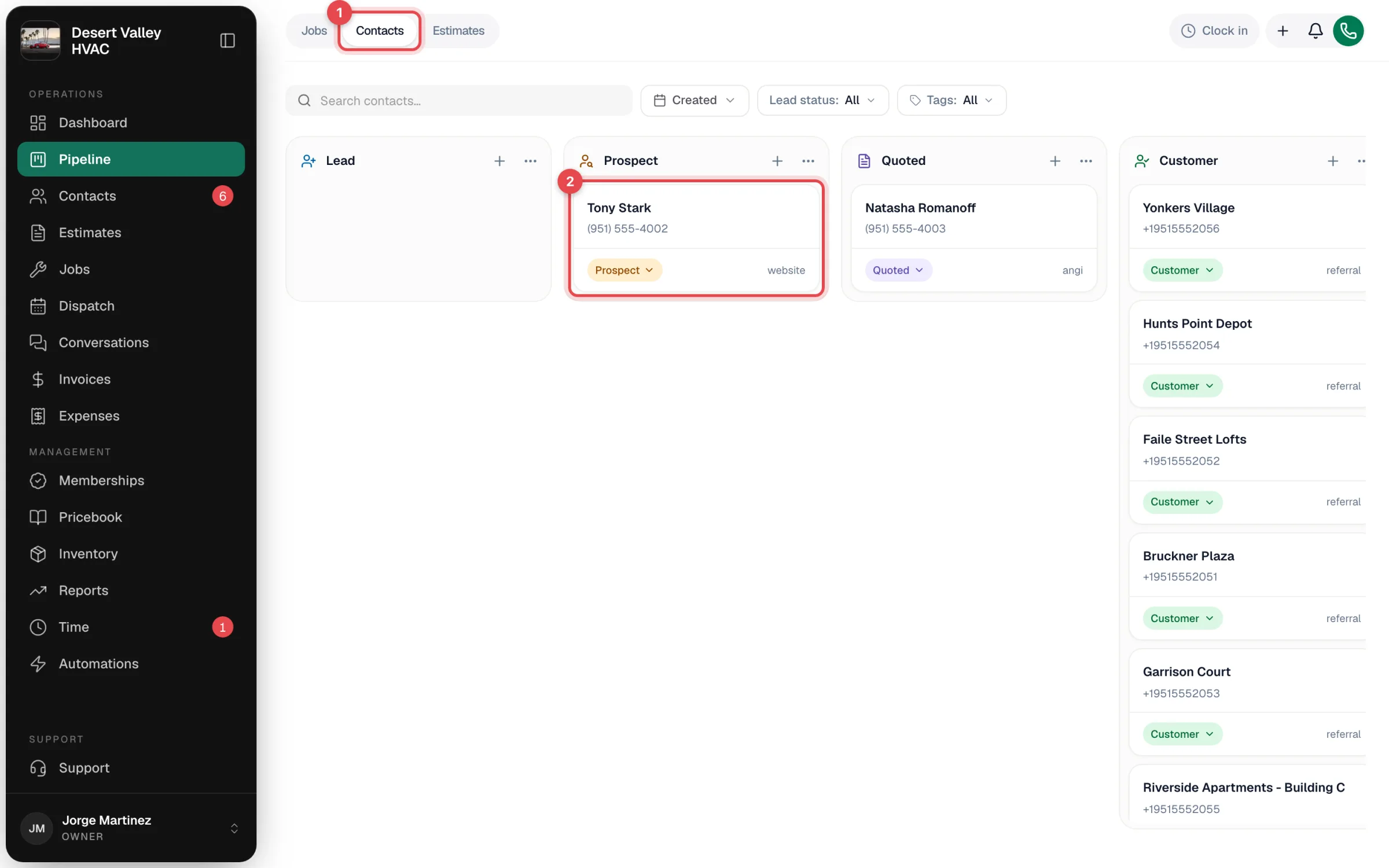
Open Pipeline in the left sidebar and choose Contacts. Each column is a stage; drag a contact's card to another column to move them along. The board's columns can be set up to match how your shop sells. See Working the Contacts board and Customizing the Contacts board columns.
Why one list
A lead who calls three times, gets a quote, and finally books is the same person the whole time. Keeping everyone in Contacts means their call history, notes, estimates, and equipment are already there when they become a customer — nothing has to be copied over.