
You can delete an estimate only while it's still a draft, before the customer has ever received it. Once an estimate has been sent, it stays on record. You change its status instead, so your history and reports stay accurate.
Who can delete
Owners, admins and dispatchers (anyone who can edit estimates in the office). Field techs can't delete estimates.
How to delete a draft
- Open the draft estimate.
- Click the ⋯ button at the top right.
- Choose Delete estimate.
- In Delete Estimate ("Are you sure you want to delete this estimate? This action cannot be undone."), confirm.
You see Estimate deleted, and it disappears from your estimates list.
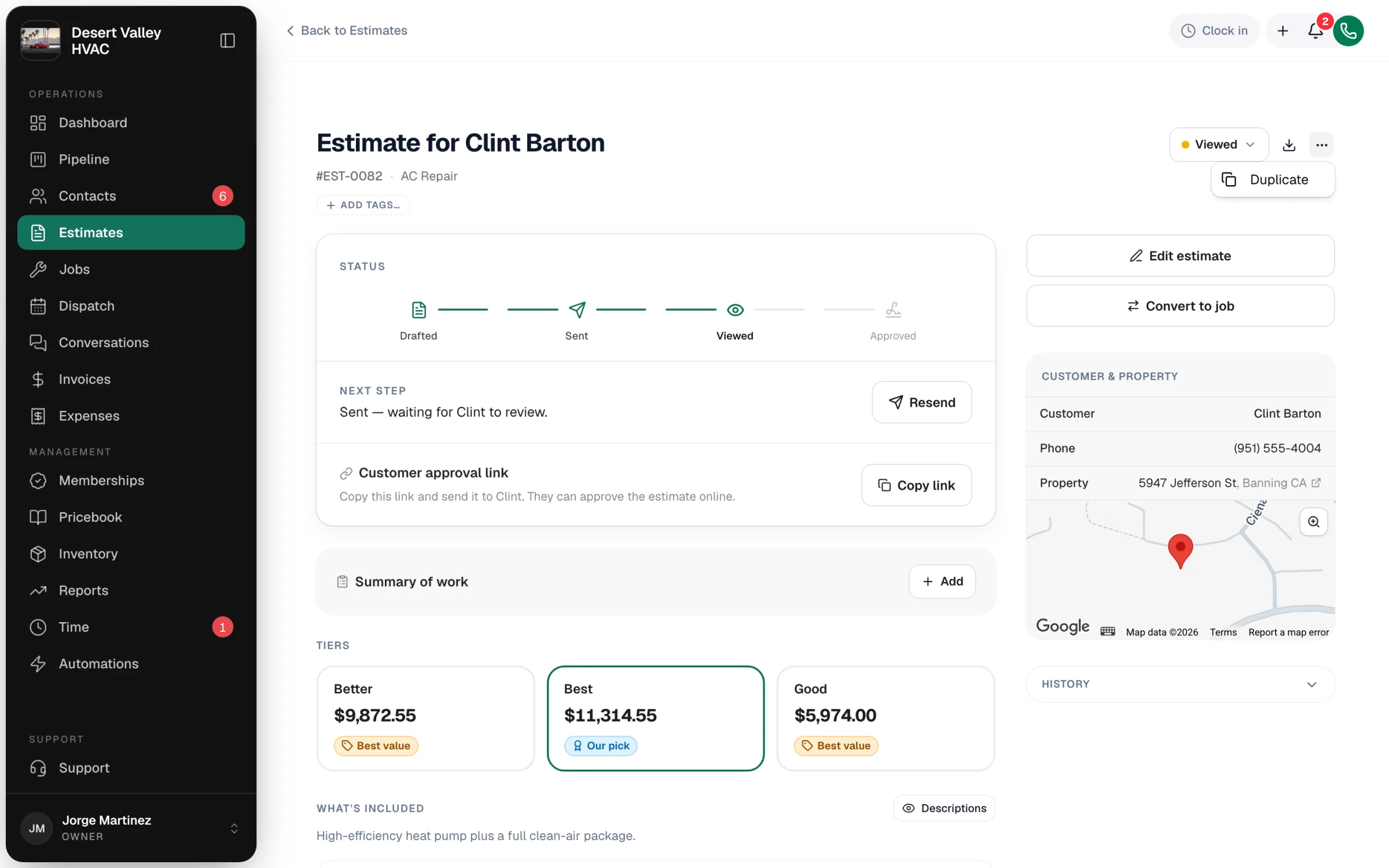
On sent, viewed, approved, declined or expired estimates, the ⋯ menu only shows Duplicate.
What to do instead of deleting
| Situation | Do this |
|---|---|
| Sent the wrong price or scope | Click Edit estimate, fix it, and click Resend. The customer's link always shows the latest version until it's approved. |
| Customer said no over the phone | Change the status to Declined with the status menu at the top of the estimate. |
| You want to offer something different | Click ⋯ → Duplicate, edit the copy, and send it. Mark the old one Declined if it no longer applies. |
| Customer didn't respond in time | Let it expire. To revive it, click Resend and set a new validity date. |
| Estimate was approved by mistake | Approved estimates are locked and can't be changed or deleted. Cancel the job it created if needed, then Duplicate the estimate to start again. |
About Duplicate
Duplicate opens a new estimate with the same options, line items, discounts, photos, payment schedule, notes and financing. The copy has no customer, so you can pick the same customer or a new one. It gets a fresh validity date and a new number when you save it. You can also duplicate from the icon that appears when you hover a row on the Estimates page.