
Three Logic steps control how a custom automation flows: Filter decides whether to keep going, Paths splits it into branches, and Delay waits before the next step. Add them from Add a step like any other step.
Filter
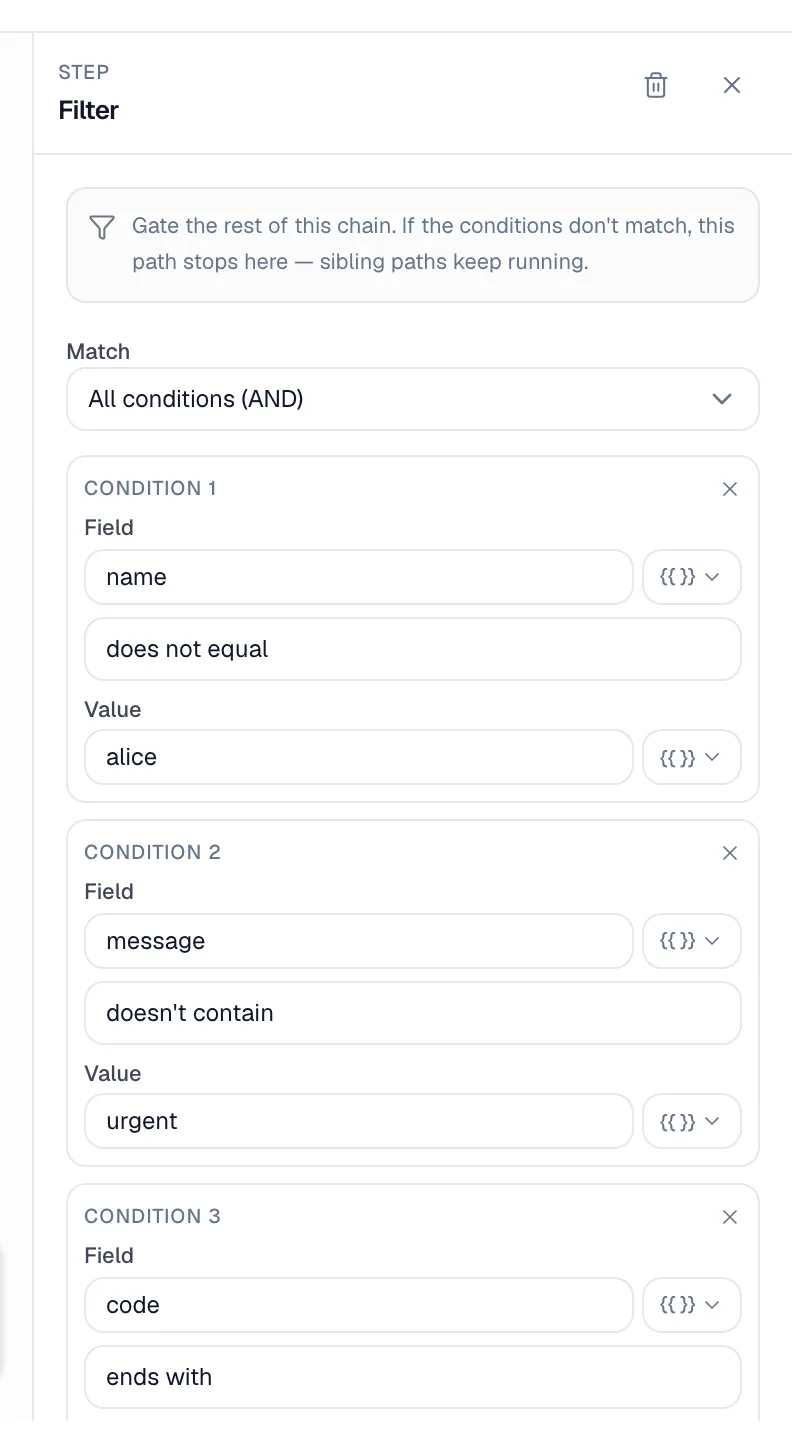
A filter lets the automation continue only when your conditions are met. If they aren't, the run stops right there, quietly. That isn't an error; the run shows as Skipped.
Examples
- Send a review request only when the job is tagged "Residential".
- Follow up only with customers tagged "Warranty".
- After a 3-day Delay and a Get estimate step, text about an estimate only if it still hasn't been approved.
Set up conditions
- Click the Filter step to open its settings.
- Under Match, choose All conditions (AND) or Any condition (OR).
- For each condition pick a Field from the variable list (for example
job.statusorcustomer.tags), an operator, and a Value if the operator needs one.
| Kind of field | Operators |
|---|---|
| Text | equals, does not equal, contains, doesn't contain, starts with, ends with, is empty, is not empty |
| Number | >, ≥, <, ≤ |
| Boolean (yes/no) | is true, is false |
To check for a tag, use customer.tags or job.tags with contains and the tag name, for example contains VIP. Text comparisons ignore upper and lower case.
Trigger details are captured when the automation starts. After a Delay, add a Get estimate, Get job or Get customer step and filter on its output to check the latest status.
A filter with no conditions lets everything through.
Paths
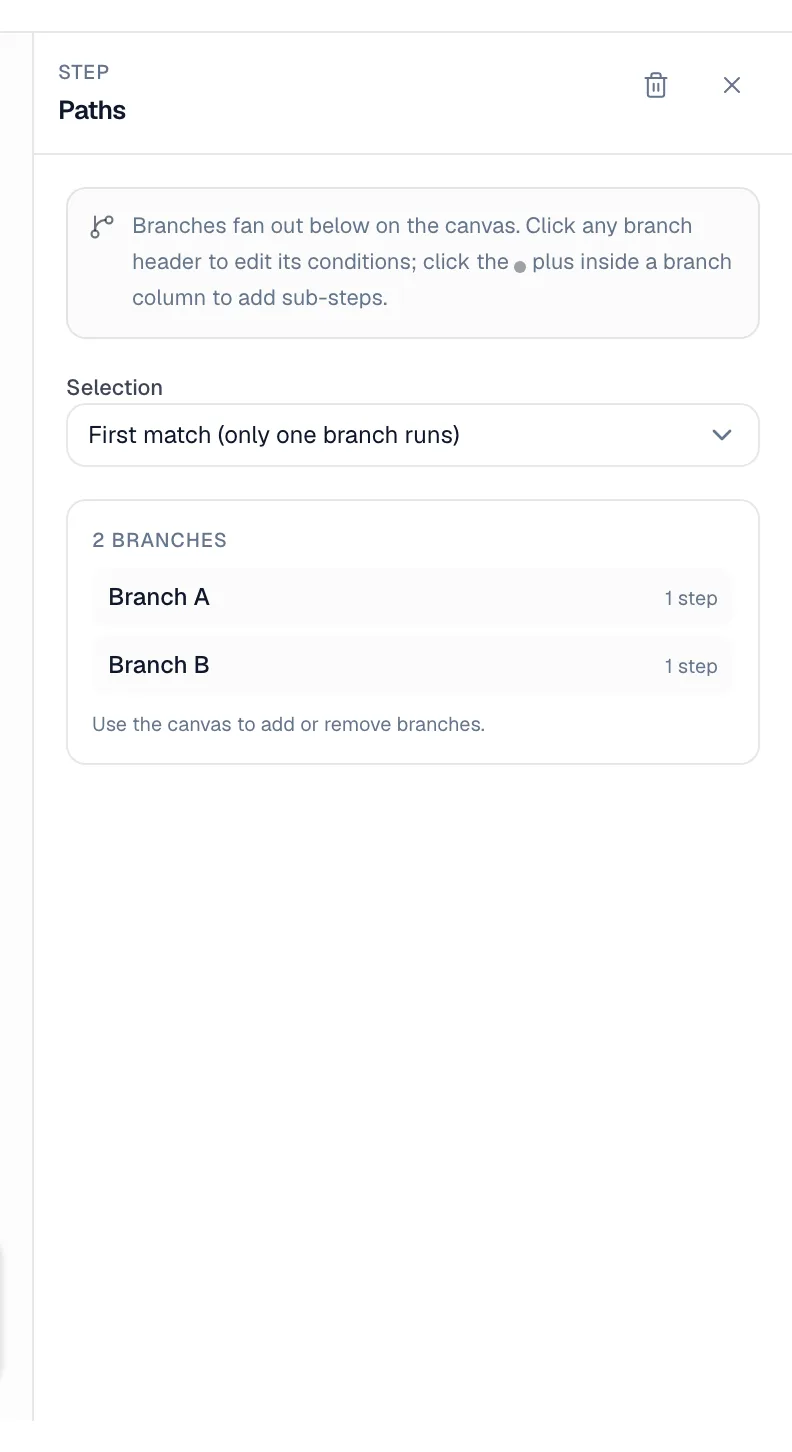
Paths split the automation into branches. Each branch has its own conditions and its own steps.
Examples
- Customers tagged "VIP" get a personal note added for the office; everyone else gets the standard follow-up email.
- Jobs tagged "Install" get an install follow-up; everything else gets a repair follow-up.
Set up branches
- Add a Paths step. Its branches fan out below it on the canvas.
- Under Selection, choose:
- First match (only one branch runs): branches are checked left to right and only the first one whose conditions are met runs.
- All match (every matching branch runs): every branch whose conditions are met runs, one after another.
- Click a branch's header to open it. Give it a Branch label, then set the conditions under When this branch runs (same conditions as a filter).
- Add steps inside a branch with the + in its column.
- Use Add another branch for more branches, or Remove this branch to delete one.
A branch with no conditions always matches, which makes it a handy "everything else" branch placed last with First match.
Paths is always the last step in the main line. You can't add steps below it; put the follow-up steps inside each branch that needs them.
If no branch matches, nothing else runs and the Paths step shows as skipped.
Delay
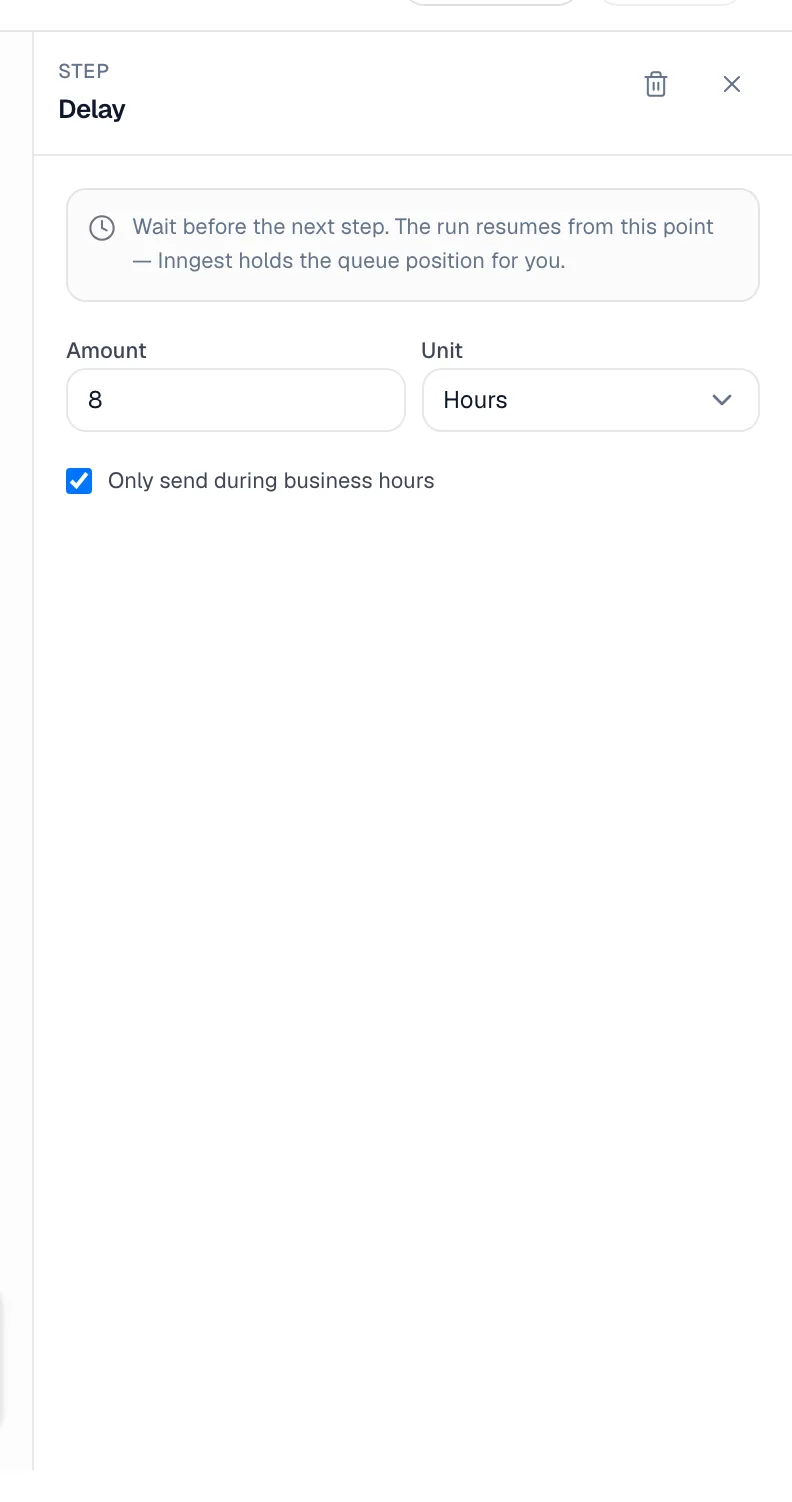
A delay pauses the automation before the next step.
Examples
- Wait 3 days after a job is completed, then ask for a review.
- Wait 2 hours after an estimate is sent, then check whether it's been approved.
Set it up
| Setting | What it does |
|---|---|
| Amount | How long to wait |
| Unit | Minutes, Hours, Days or Weeks |
| Only send during business hours | Counts only the hours you're open. With it on, "4 hours" means four business hours, so a delay started late in the day finishes the next working morning. |
Your business hours come from Settings → Business.
While a run is waiting
The run shows as Running in the runs list until the delay ends and the next step goes. If you need to cancel it, open the run and click Stop. See Viewing automation runs and step timelines.
Texts and emails have their own Only send during business hours option too. Use it on the send step when you only care that the message doesn't arrive at night.
Putting them together
Follow up on unapproved estimates after 3 days:
- Trigger: When an estimate is sent
- Delay: 3 Days
- Get estimate: Estimate id
estimate.idfrom the trigger - Filter with Any condition (OR): the Get estimate step's status equals
sent, or equalsviewed - Send SMS to Customer: Hi {{customer.first_name}}, just checking in on the estimate we sent. Any questions? Reply here.
What isn't possible
- Repeating a step for each item in a list.
- Waiting until something happens. Use a Delay, then a Filter (add a Get step first if you need fresh details).
- "If this, say that" inside a single message. Use Paths with a separate message in each branch.