
EPA records only work if refrigerant gets logged at the unit, not from memory at the end of the week. In the app, you log refrigerant on the unit itself, from the job you're standing in.
Open the unit
On the job, tap the house button in the top right corner to open the property, then tap the unit you worked on. You can also tap a unit under About this customer, or tap Equipment under This visit.
Tap Refrigerant log
The unit screen shows its details, On this job, Condition, Photos, and Refrigerant log. Tap Refrigerant log to see every entry for that unit, newest first.
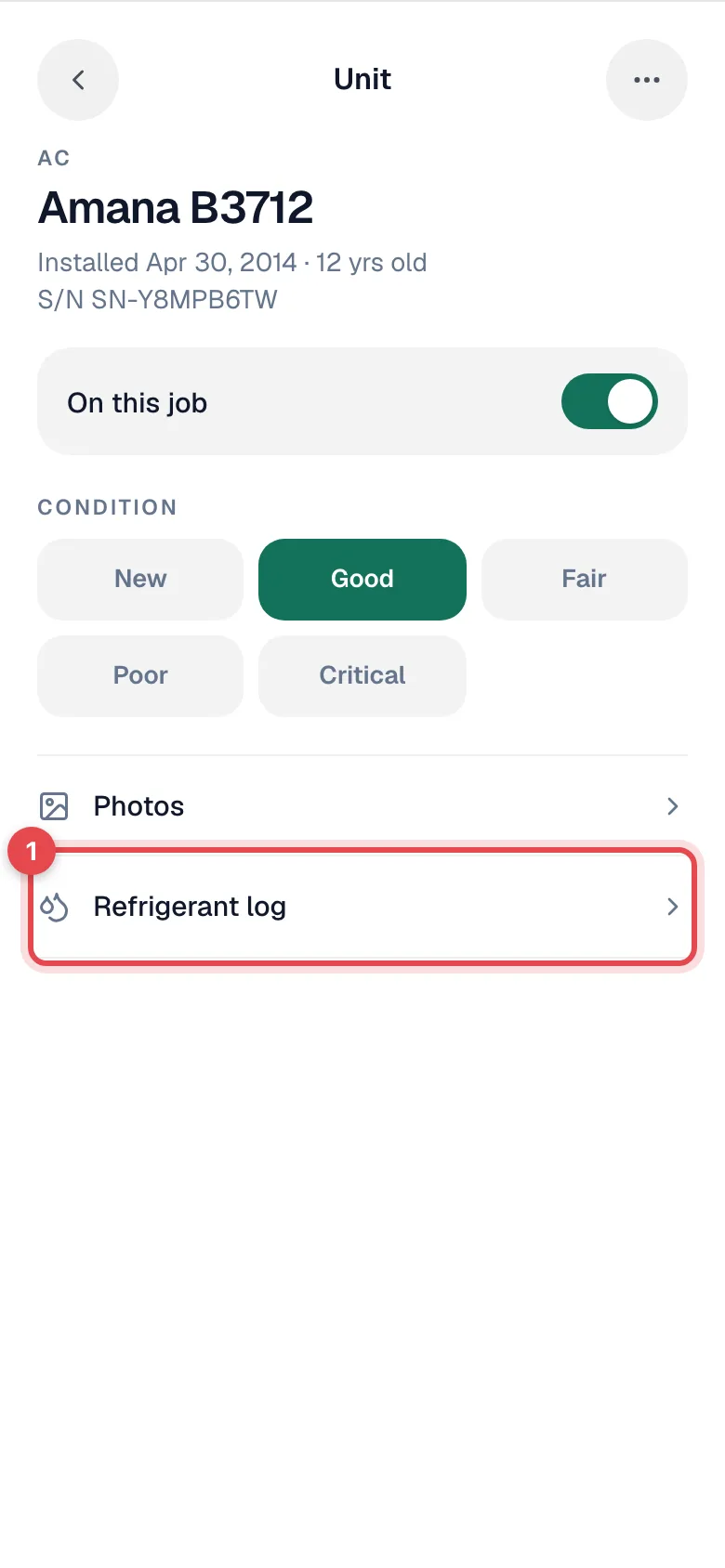
Refrigerant log only appears on units that hold refrigerant: AC units, heat pumps, and mini-splits (plus any custom equipment type your office set up to track refrigerant). It doesn't show on a furnace or a thermostat. A unit that has been inactivated keeps its log, but you can't add new entries to it.
Tap Log refrigerant on this unit
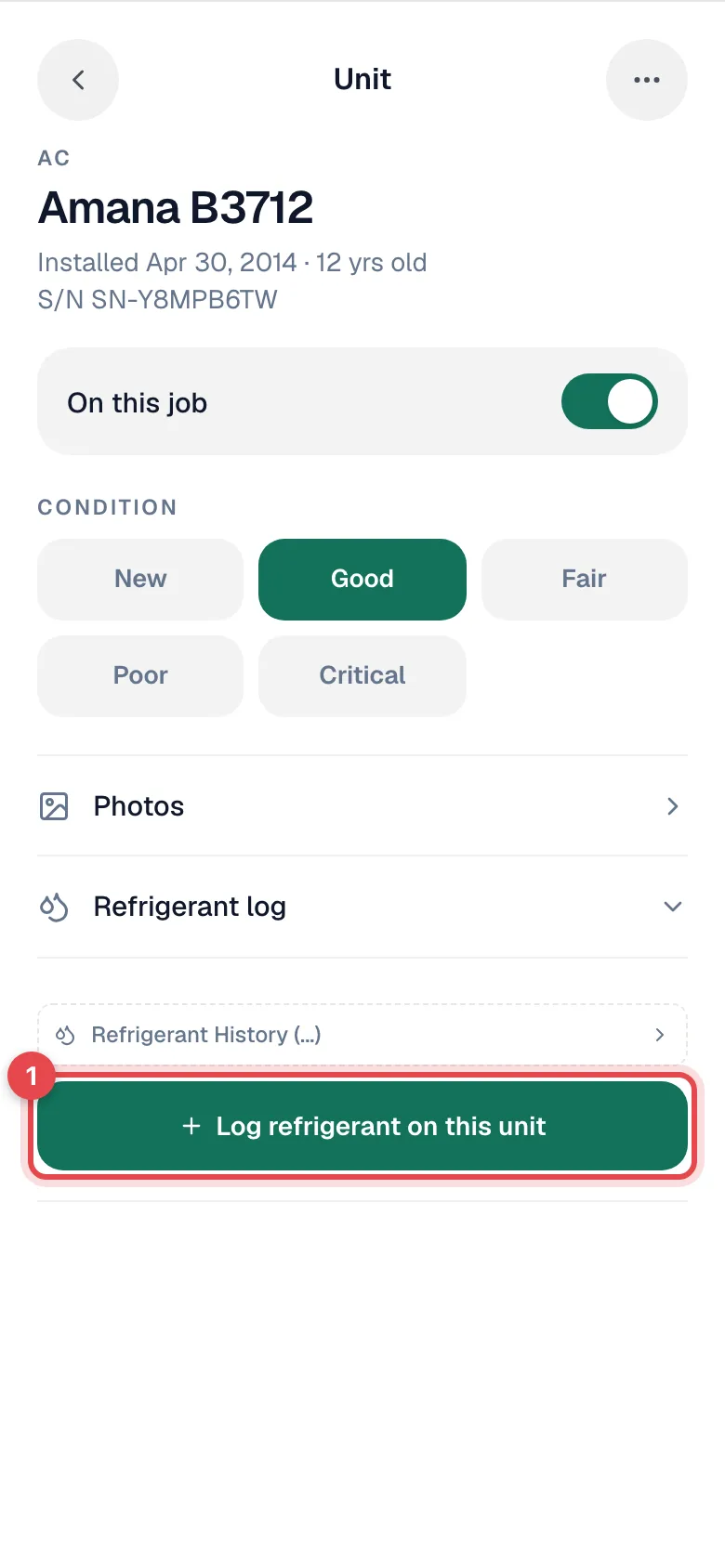
Fill in the log
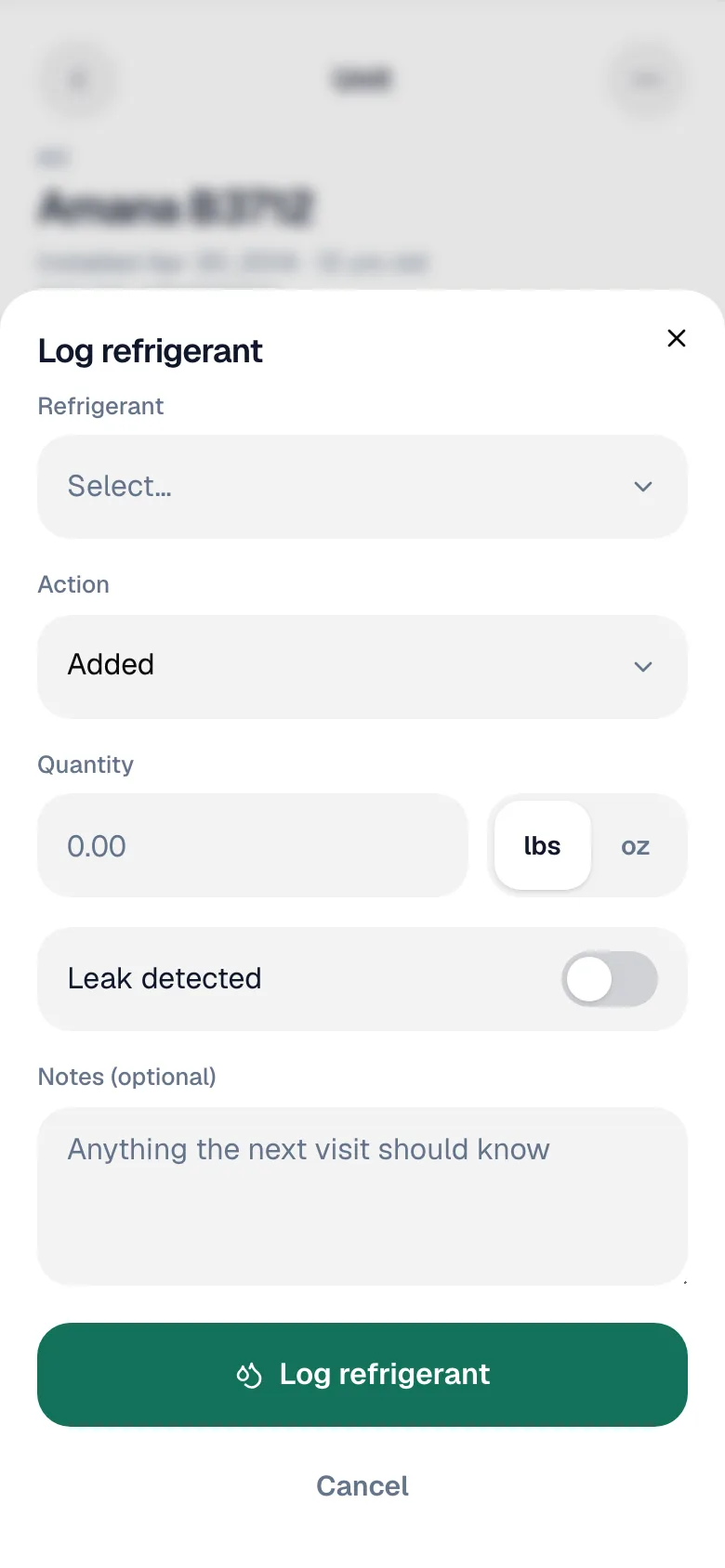
| Field | What to enter |
|---|---|
| Refrigerant | The refrigerant type, from your company's list. Phased-out types are marked (Phase-out). |
| Action | Added, Recovered, or Added & recovered. |
| Quantity | How much, in lbs or oz. Must be more than zero. |
| Leak detected | Turn it on if you found a leak, then fill in Leak location (for example Service valve). |
| Notes (optional) | Anything the next visit should know. |
Tap Log refrigerant
You'll see Refrigerant logged, and the entry is saved on the unit and tied to this job.
Where it shows up
| Place | What you get |
|---|---|
| The unit's refrigerant log | Every entry for that unit, newest first, in the app and the office. |
| The unit's history | Refrigerant entries mixed into the unit's full timeline. |
| The refrigerant compliance report | Everything added, recovered, and leaked across your company, the view you hand to an auditor. |
No signal
If you open a job while offline, the offline job screen has its own refrigerant section. Pick the unit, fill in the log, and it's saved on the phone and sent as soon as you're back online. See Working offline.