
You can keep the phone number your customers already know. Moving ("porting") a number into Run a Call is done by our team with you. There's no form to fill in inside the app: you ask, we check how your number can move, and we tell you exactly what we need.
Before you start
- Voice should be on for your account (see Run a Call Phone overview), so the number has somewhere to land.
- Don't cancel your current phone service or software yet. If you cancel first, the number can be lost for good.
- Gather what your current provider has on file. We may ask for some or all of it:
| Item | Where to find it |
|---|---|
| The number(s) to move | Every number you want to keep, including ad or tracking numbers. List each one and what it's used for. |
| Account holder name and service address | Exactly as they appear on your phone bill. |
| Account number and PIN | On your bill, or ask your provider for a "port-out PIN". |
| A recent bill | A copy that shows the number and the account holder. |
| Which number you text from today | So your customers' text threads keep working after the move. |
If your number lives inside another field-service or phone app, tell us which one. Many of those apps hold numbers differently from a normal phone company, and that changes the steps.
Ask us to move your number
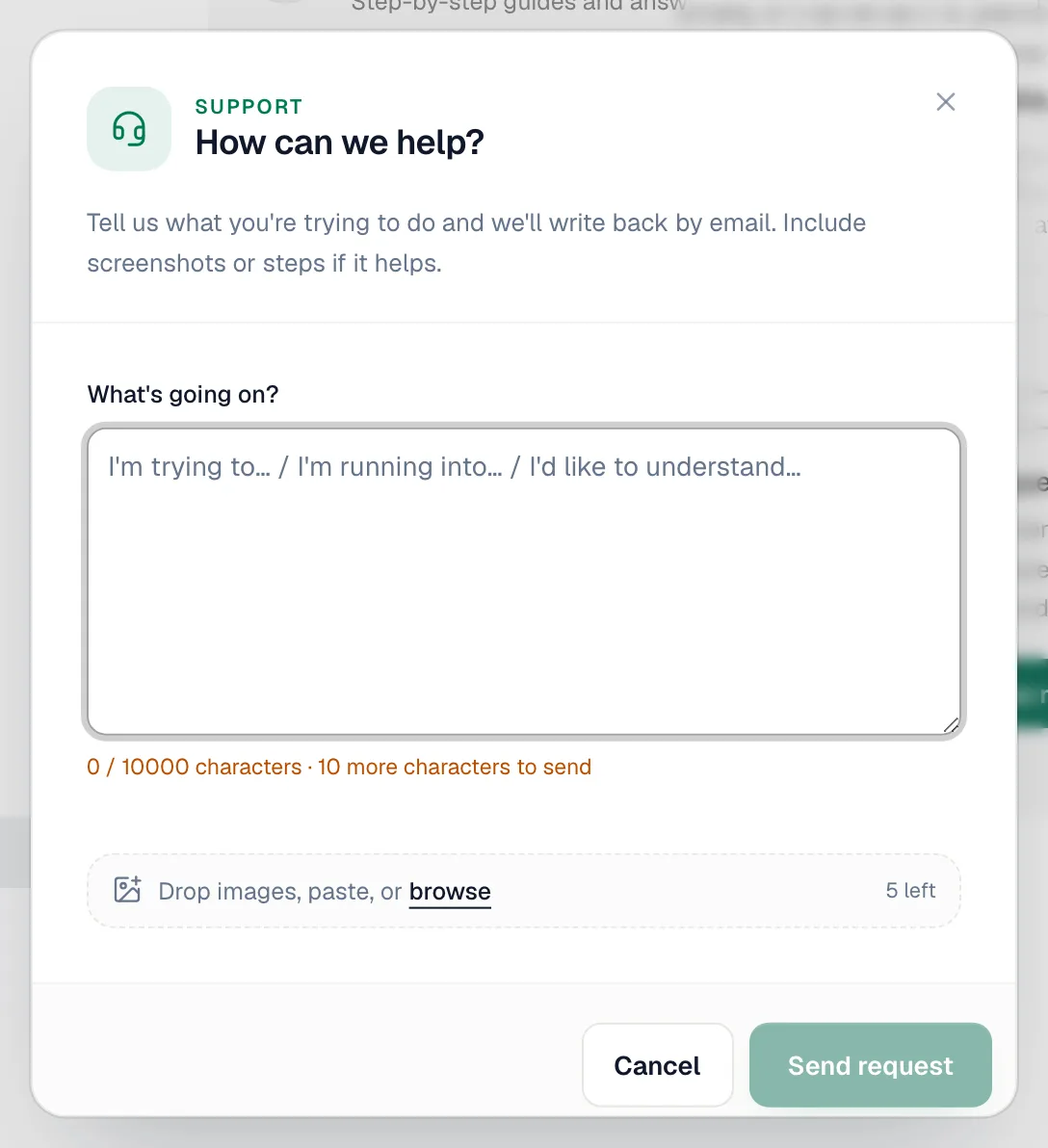
Go to Settings → Support, click New request, and tell us which numbers you want to bring over and who provides them today. We reply by email, usually the same day.
Send what we ask for
We check whether each number can move and how, then ask only for the details that route needs. Some moves need a signed authorization from the account holder. A single wrong character in the account details can get a request rejected, so copy them exactly from your bill.
Keep answering calls while it moves
Until the move is finished, your current provider still rings your phones. Nothing changes for your customers during the wait. If you want coverage in the meantime:
- Use the new Run a Call number you picked during Voice setup for ads or new customers.
- Or set up the AI Receptionist and forward your current line to it when you're busy or closed.
On moving day
We tell you the date. Calls start arriving in Run a Call once your number switches over, and your number appears on Settings → Phone → Numbers. Make a test call from a cell phone. Then, and only then, cancel your old service.
Good to know
- How long it takes depends on your current provider. We give you an estimate once we've checked your numbers.
- E911: the moved number needs an emergency address like any other. See Setting up your E911 address.
- Texting: if you text customers from this number, texting needs carrier registration on your account. See Registering your business for A2P 10DLC.