
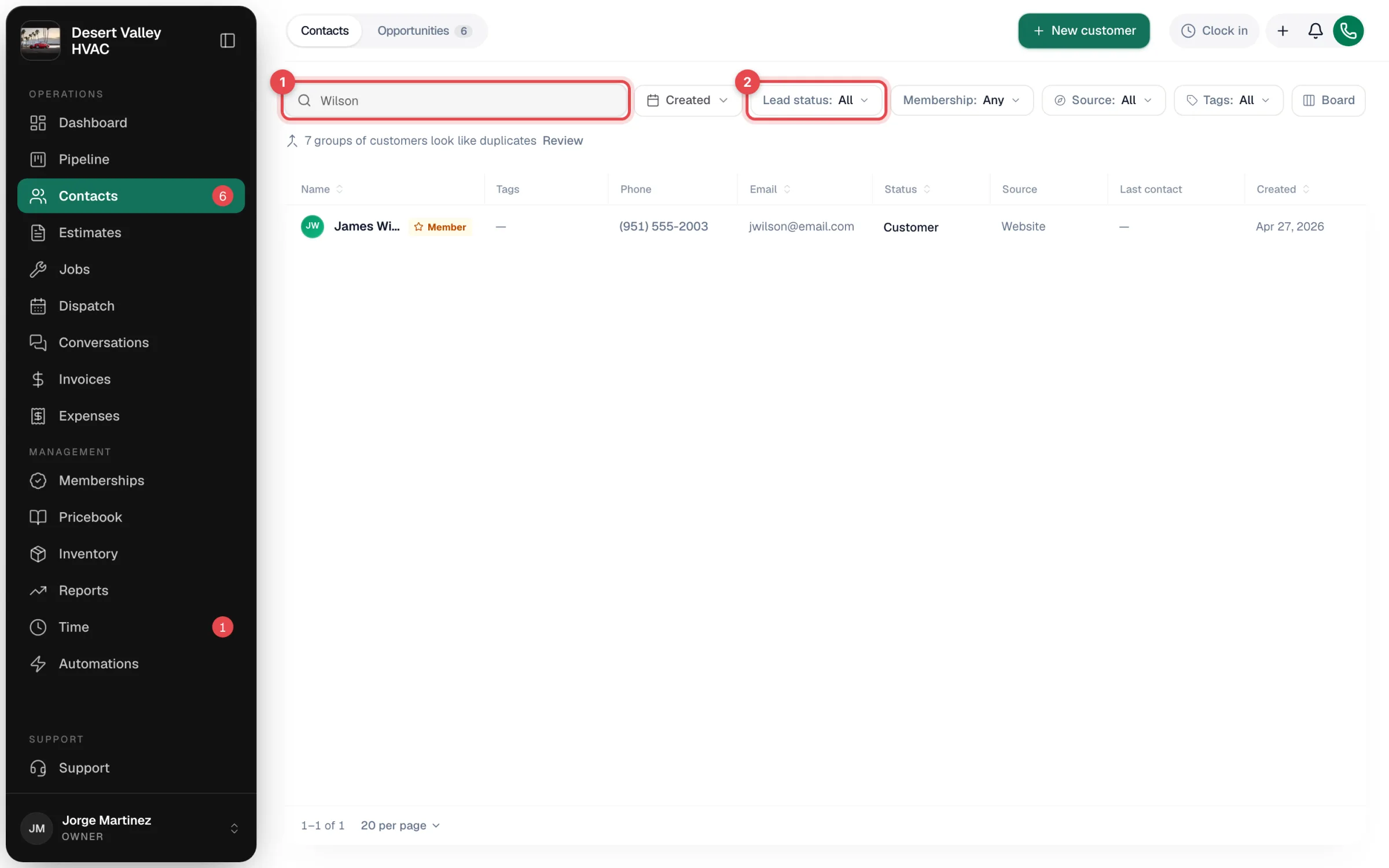
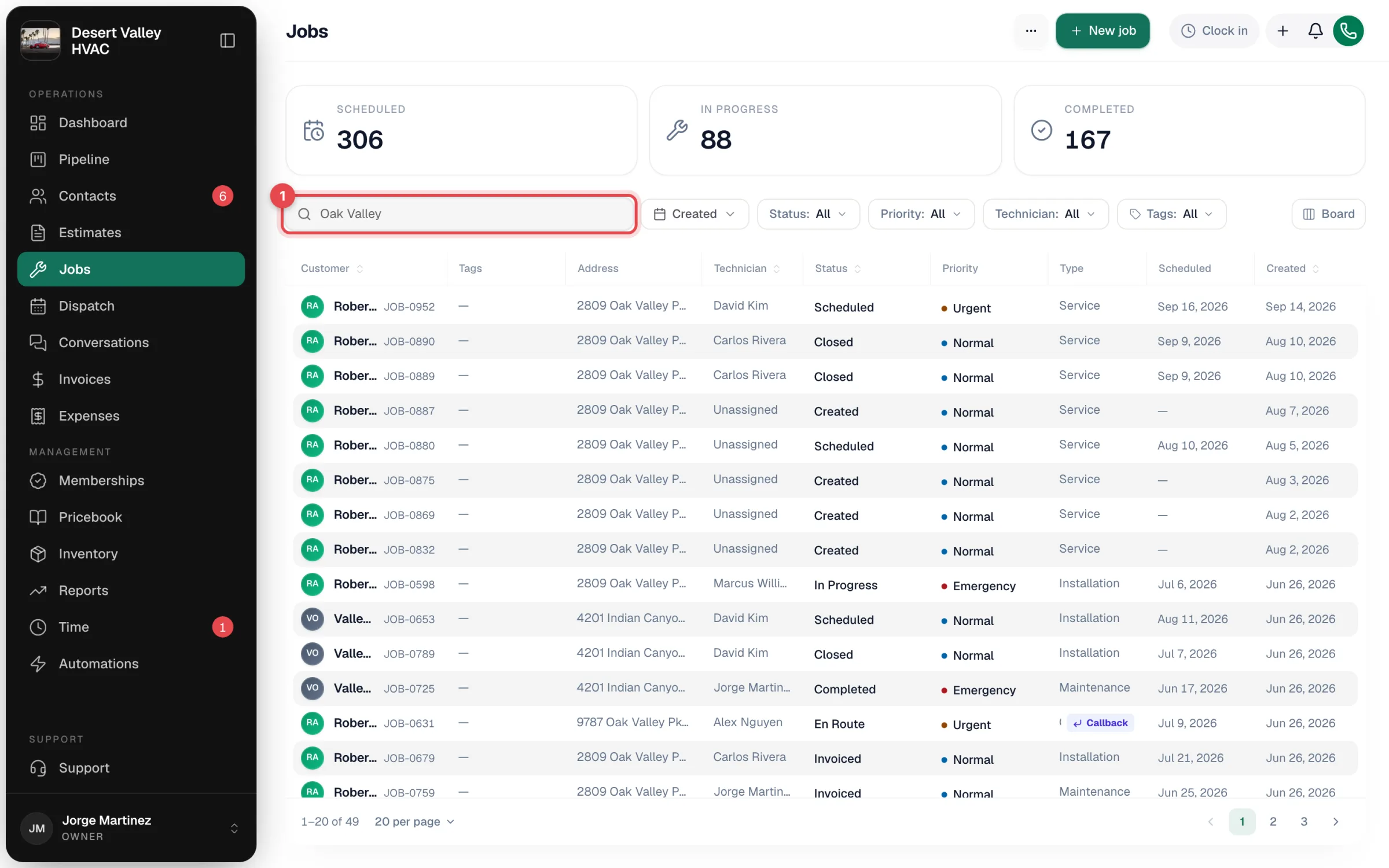
Each list in Run a Call has its own search box at the top — Contacts, Jobs, Estimates, Invoices, the Pricebook, and more. Open the list for the kind of thing you're looking for, then type a name, phone number, address, or number.
Note
There isn't one search bar that looks through everything at once. Start from the page that holds what you want — for example, Jobs to find a job.
Where to search, and what it matches
| Looking for | Open | Type any of these |
|---|---|---|
| A customer or lead | Contacts | Name, company, phone, email, or service address (street, city, state, ZIP) |
| A job | Jobs | Job number, customer name, company, phone, or email, the service address, the problem description, or the reference # |
| An estimate | Estimates | Customer name, phone, or email, the service address, or words from the estimate's notes |
| An invoice | Invoices | Invoice number or customer name, phone, or email |
| A price or part | Pricebook | Item name or description |
| A call | Conversations → Calls | Caller name or phone number |
| A text conversation | Conversations → Messages | Customer name or phone number |
| A purchase order | Expenses | PO number or notes |
| A part in stock | Inventory | Part name |
Tips
- You don't need the whole thing. Part of a name, street, or number is enough.
- Combine search with filters. Most lists also have filters (such as status or date) next to the search box.
- Looking for a finished or cancelled job? See Finding done or canceled jobs.
Searching on the job itself
Some searches happen inside a form rather than on a list:
- When you create a job or estimate, the Customer box searches your contacts by name or phone.
- When you add items to a job, estimate, or invoice, the pricebook search finds services and parts by name.
- In the mobile app, technicians can search the pricebook, their messages, and tags from the job.