
After a customer sends a request from your booking page, they see a short confirmation screen. You write the main message on it, so use it to tell them what happens next.
Who can do this
Owners and admins, with online booking turned on.
Edit the message
- Go to Settings → Online Booking.
- Scroll to Confirmation Message.
- Type your message (up to 1,000 characters). It saves as you type — there's no Save button.
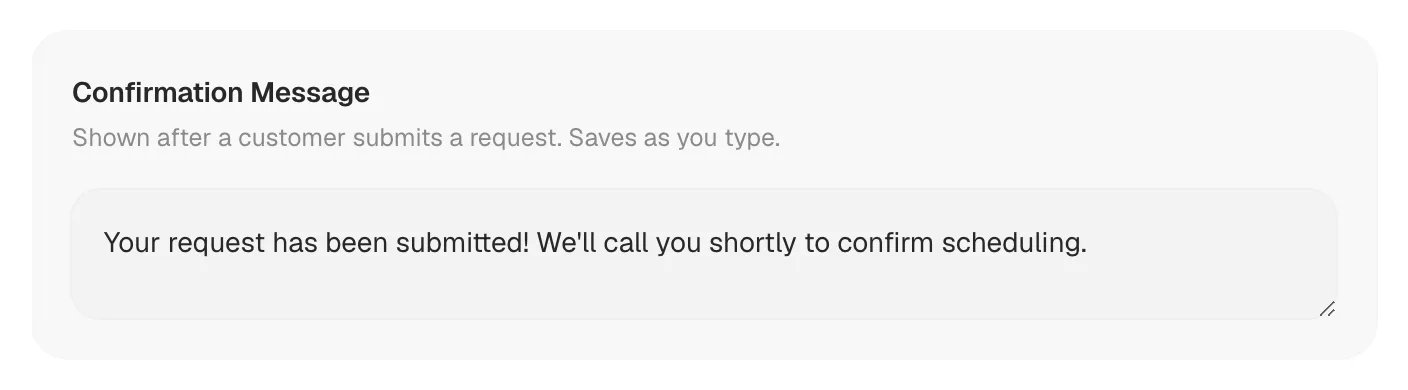
If you've never changed it, the message is: Your request has been submitted! We'll call you shortly to confirm scheduling.
What the customer sees
The confirmation screen shows, in order:
- A check mark in your brand color.
- Request Submitted.
- Your confirmation message.
- "Your company will contact you shortly."
The screen stays up until the customer closes the page or goes back to their browser.
Messages that work
Thank them, say when they'll hear from you, and cover after-hours:
Thanks! We'll call you within 30 minutes during business hours to pick a time.
Got it. If it's after hours, we'll call you first thing in the morning. For a gas smell or no heat in freezing weather, call us now at (602) 555-0100.
Because the screen already says your company will contact them, don't promise a specific time unless your office can keep it every day.
Good to know
- One message for every request. It's the same whatever service or urgency the customer picked.
- It can't be left blank. If you clear the box and click away, the last saved message comes back.
- Plain text only. The message can't include links, images, or send the customer to another web page.
- The customer doesn't get a text or email confirming their request — only this screen.