
When the customer pays at the door, record it on the invoice right from the job: cash, check, Zelle, a card, or any other payment method your company uses. The customer signs, the payment lands on the invoice, and the office sees it immediately.
Before you start
- The job needs an invoice. Tap Complete Job, then Generate Invoice. See Closing jobs from the mobile app.
- Taking payments needs a connection.
Open the invoice
On the finished job, tap the invoice button in the bottom bar (Generate Invoice, or the invoice number if it already exists). Under Collect payment on site, every button shows the balance due, for example Cash · $420.00.
Pick how they're paying
| Button | What it does |
|---|---|
| Cash | Records cash for the full balance. |
| Check | Asks for the Check number (top right corner of the check) and, optionally, who it's Received from, so the office can match the deposit. |
| Zelle | Asks for the Reference (the confirmation shown in the customer's Zelle app). |
| Your company's methods | Financing partners, money orders, or anything else the office added and made visible to techs. Check-like methods ask for a number. |
| Card | Depends on your setup. See Card payments below. |
| Split payment | Take part of the balance, or mix methods. See Split payments. |
Recording a check number is optional. If you don't have it, tap Continue without a check number.
Hand over the phone for the signature
Before anything is saved, the customer signs: Hand the phone over — signing confirms the work and the payment. They can draw a signature or type their full name.
As soon as they sign, the payment is recorded.
Check the confirmation
You'll see Paid in full with the invoice number, or Payment recorded with what's still owed.
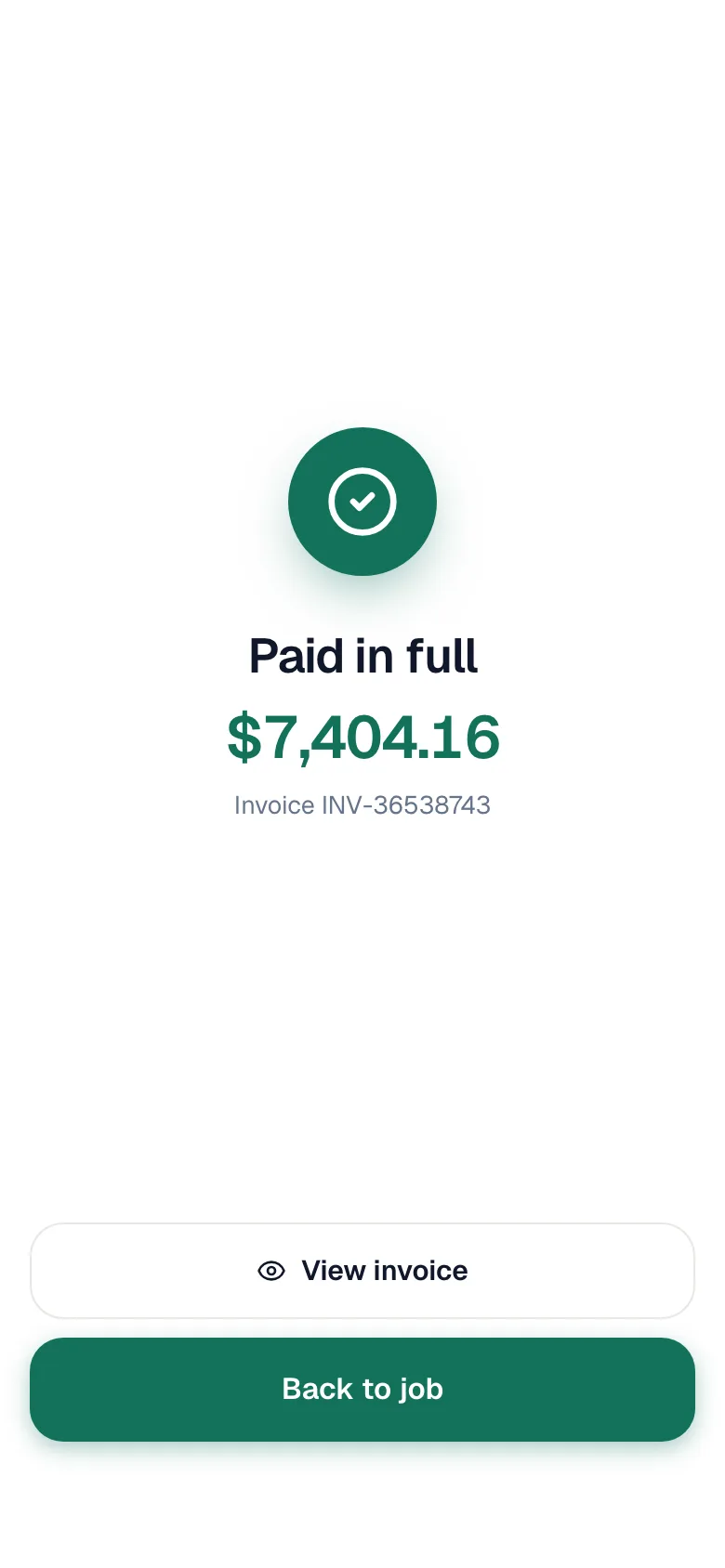
From here:
- Collect the balance takes another payment toward what's left.
- View invoice shows the updated invoice with the payment on it.
- Back to job returns to the job.
When the invoice is paid in full, the job closes automatically.
Card payments
What the Card button does depends on whether your company takes cards in the app:
| Your setup | What Card does |
|---|---|
| Tap to Pay is set up | Starts a charge on your company's card reader. The customer taps or inserts their card, and the payment records itself once the card is approved. If your company adds a card fee, the button shows the total with the fee (Includes a 3% card fee). |
| No Tap to Pay | Records a card payment you already ran on your own terminal. The app reminds you: Confirm the transaction on your card reader before recording. No card is charged through Run a Call. |
When Tap to Pay is set up, Card always goes to the reader. Reader payments work in the installed iPhone and Android app. If your phone can't use the reader, the app says This device can't use the card reader yet — update the app, and in the meantime ask the office to record a card you ran elsewhere.
Setting up and using the reader: Taking a payment with Tap to Pay.
Split payments
Use Split payment when the customer pays part now, or pays with more than one method.
- Tap Split payment and enter the amount they're paying now.
- Tap a method, for example Pay $200.00 Check.
- The payment is staged, and the screen shows Remaining. Add another payment toward the rest, or tap Sign & record $200.00 to finish with a partial payment. What's left stays on the invoice — collect it later or send it to the customer.
You can mix methods: half by check, half on a card.
Customer would rather pay later
Tap Send to Customer instead. The customer gets the invoice by email (and by text on the first send, if your company has invoice texts on). If your company takes online payments, they can pay from the link: the payment records itself and the job closes when the balance is paid, whether you're still on site or not. See Creating and sending invoices on mobile.
Good to know
- Techs can't record more than the balance. Every amount is capped at what's still owed, including deposits paid earlier on the pay link.
- Made a mistake? Payments can't be removed from the phone. Ask the office to fix it.
- Receipts. The customer is emailed a receipt when there's an email address on file, unless your company turned payment receipt emails off.
- QuickBooks. If your company is connected to QuickBooks Online, recorded payments sync automatically.