
Closing a job from the phone takes a few taps: finish the job, generate the invoice, then either send it to the customer or collect payment and a signature on the spot. When the invoice is paid in full, the job closes by itself.
Before you start
- Add everything you did under Parts and labor first. The invoice is built from that list, and once the invoice has been sent or paid you can't change the lines from the phone.
- Your role needs to be able to create invoices. The standard Field Tech role can.
Tap Complete Job
On the job, tap Complete Job in the green bar at the bottom. The job becomes Completed, your job timer stops, and a green Completed pill appears at the top of the screen.
If your company sends a completion text or the service report email, the customer gets it now.
Tap Generate Invoice
The green bar now reads Generate Invoice. Tap it and the invoice builds itself from Parts and labor, due on receipt. The job moves to Invoiced.
If there's nothing under Parts and labor, you'll see Nothing to bill yet. Tap Back to job, add the work, and try again.
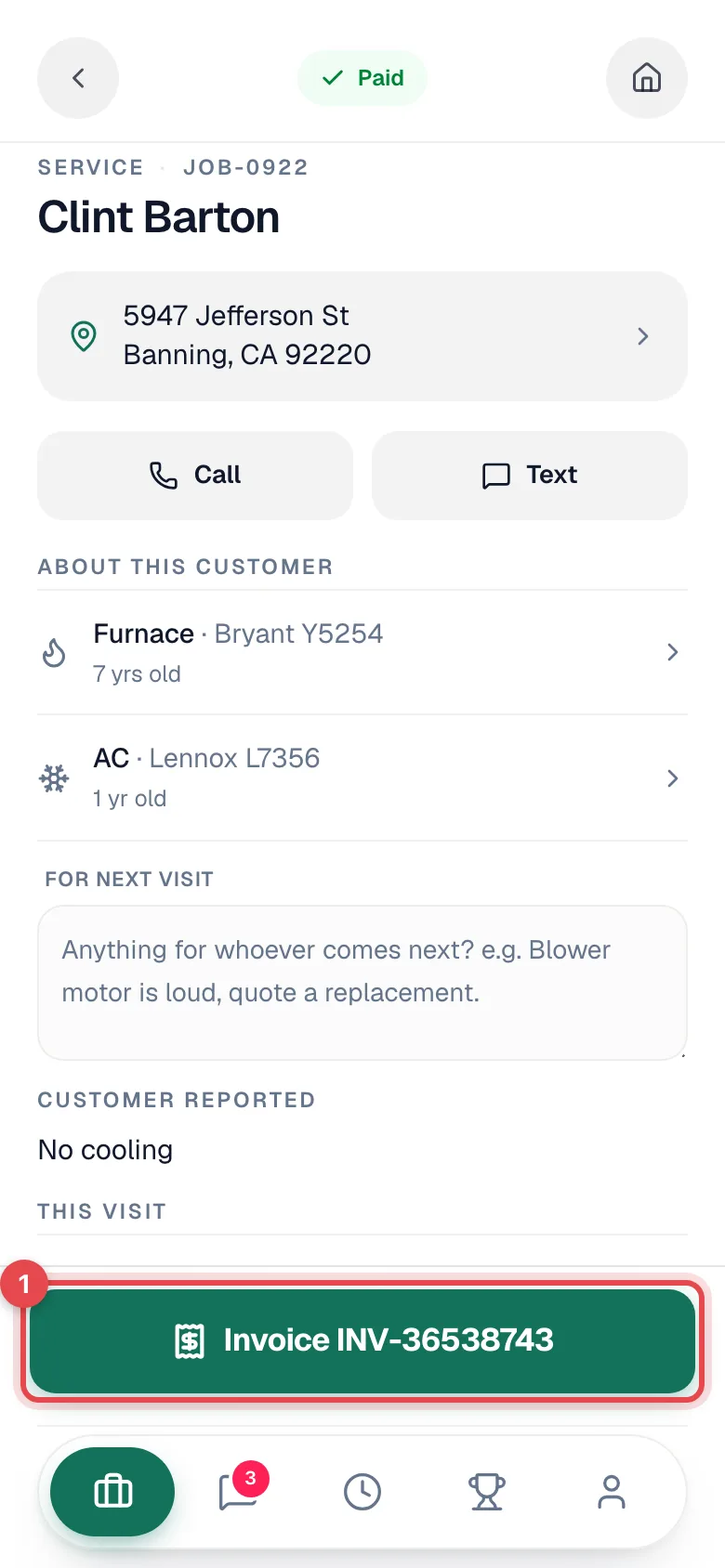
Once an invoice exists, the same button shows its number (for example Invoice INV-1042) and reopens it.
Send it or collect payment now
The invoice screen shows the invoice number, its status, and the total. View invoice shows exactly what the customer will see.
Pick one:
- Send to Customer emails the invoice. The first send also texts the customer if your company has invoice texts turned on. If your company takes online payments, both include a pay link so the customer can pay whenever they're ready. See Creating and sending invoices on mobile.
- Collect payment on site records cash, check, Zelle, your company's other payment methods, or a card. See Taking payments on mobile.
You can do both: send the invoice, then take part of the payment now and leave the rest on the invoice.
Get the customer's signature
When you collect a payment, the app hands you a signature screen before anything is recorded: Hand the phone over — signing confirms the work and the payment. The customer draws their signature or types their name.
The payment is recorded as soon as they sign. You'll see Paid in full, or Payment recorded with what's still owed.
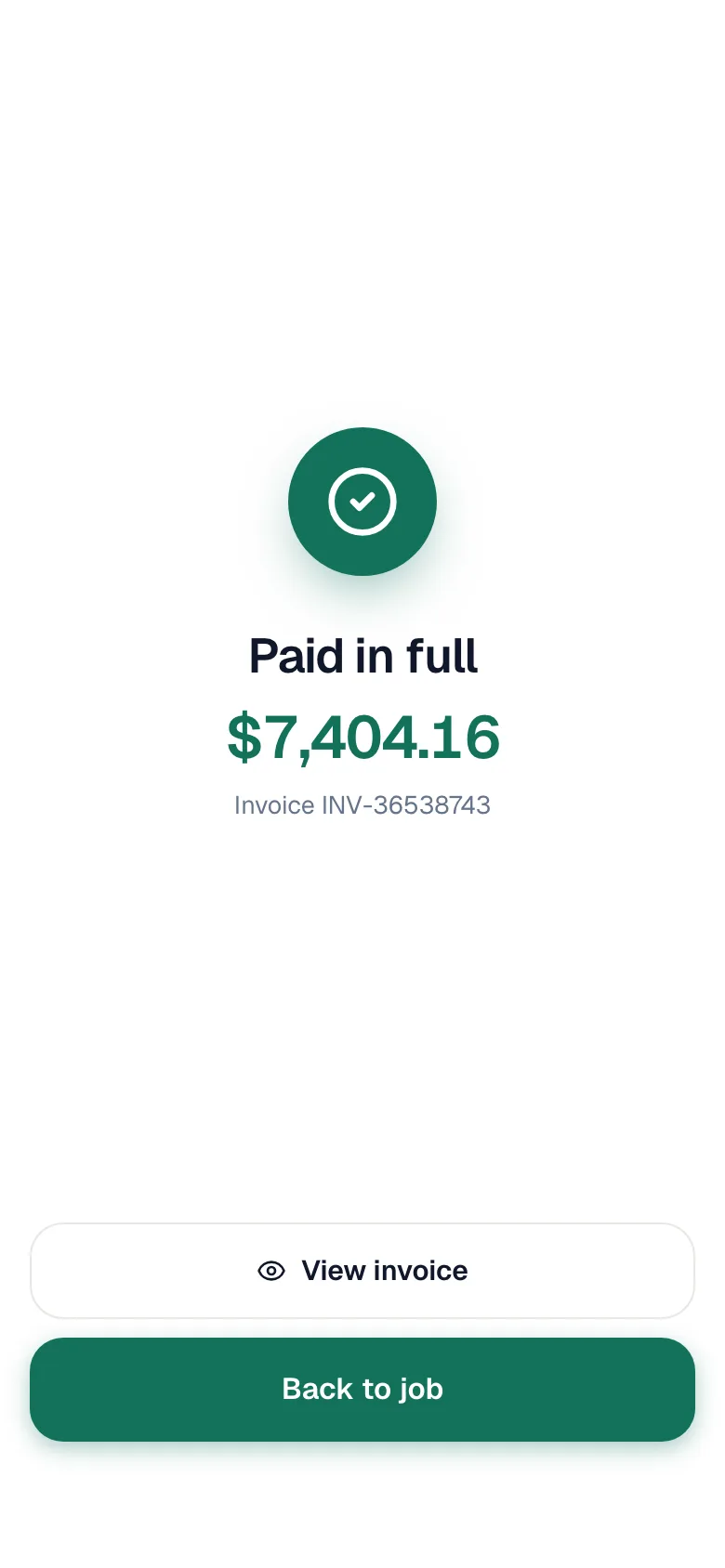
A card taken on a card reader is recorded the moment it's approved, so the app skips the signature screen. Capture signature then appears on the confirmation screen if you still want one.
You're done
Tap Back to job. Here's where things stand:
| After you close out | |
|---|---|
| Job | Invoiced until the balance is paid, then Closed automatically. |
| Invoice | Draft if you didn't send or collect, Sent once sent, Paid or partly paid once you record a payment. |
| Time | Your job time stopped at Complete Job. Your workday clock keeps running until you clock out. |
| Customer | Gets whatever your company has turned on: completion text, service report email, invoice email and text, payment receipt. |
Jobs with a payment plan
If the job came from an estimate with a payment schedule, the job shows a Payment plan card instead of one invoice button. It lists every payment ("2 of 3 paid") with its amount and status.
- Tap Invoice on a payment that hasn't been billed, pick the Payment terms, and tap Create invoice.
- Tap Collect on a billed payment to take it on the spot, or View on a paid one.
- The job closes only when every payment on the plan has been invoiced and paid.
Progress payments can be collected while the job is still underway, not only at the end.
Good to know
- Customer disputes the total. Don't send it. Leave the invoice as a draft and let the office sort it out. They can edit it before it goes out.
- Need to change a line after sending? You can't from the phone. Ask the office to update the invoice and resend it.
- Tapped Complete Job too early? Techs can't move a job backward. Ask the office to reopen it.
- No signal? Invoicing and payments need a connection. The rest of the job still works offline. See Working offline.