
Call a customer with one tap from a job, a job card, or a text thread. If your company has Run a Call Phone, you can place the call from the company's business number right inside the app, so the customer sees your company, not your personal cell.
Tap Call
You'll find it:
- On a job, under the address (Call).
- On today's Up next card and on a job you're working (Call).
- In the menu when you press and hold a job card (Call and the customer's first name).
- At the top of a customer's text thread (the phone icon).
Choose how to call
If your company has Run a Call Phone, the app asks every time:
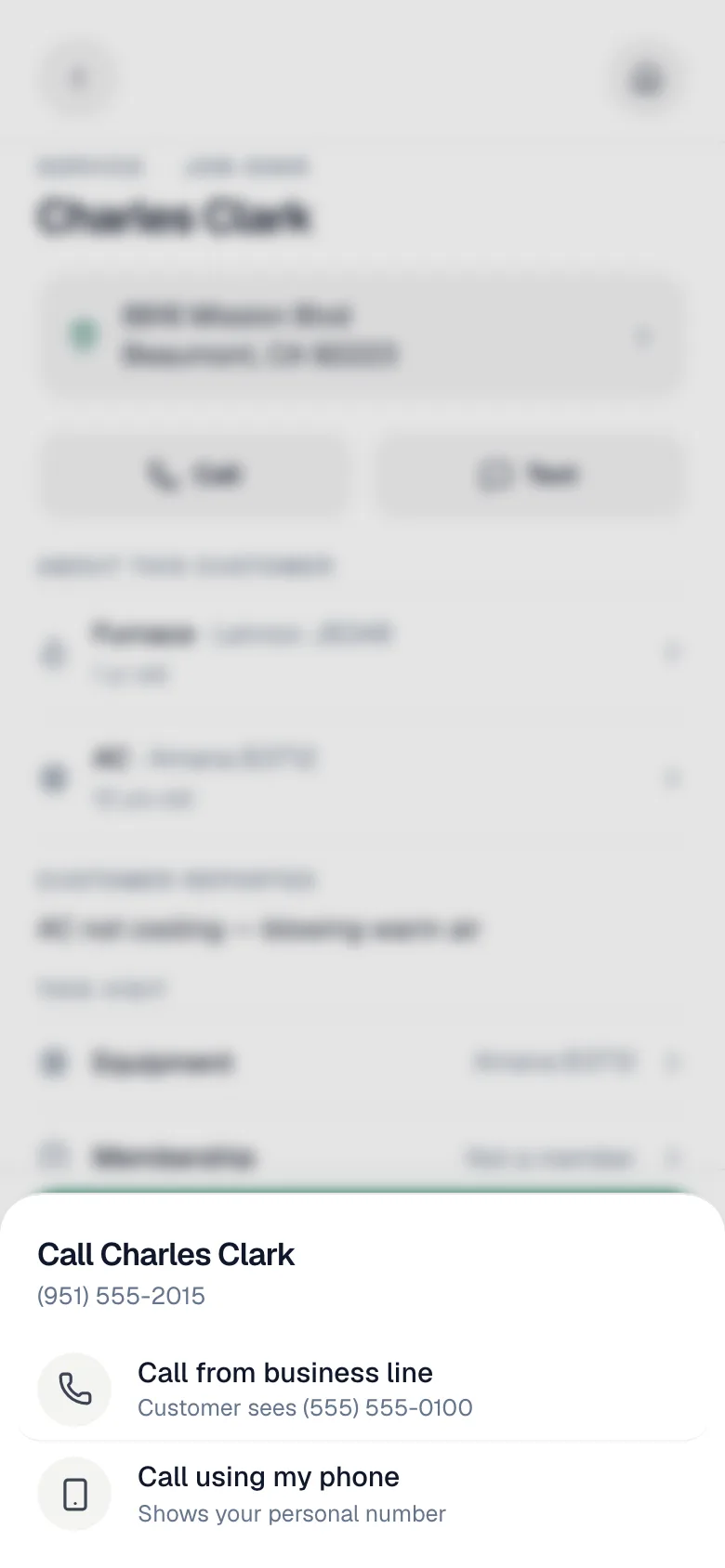
| Option | What happens |
|---|---|
| Call from business line | The call goes out from the app over your data or Wi-Fi. Customer sees your company's number. |
| Call using my phone | Your phone's own dialer opens. Shows your personal number to the customer. |
If your company doesn't have Run a Call Phone, tapping Call opens your phone's dialer straight away.
On a business-line call
A full-screen call view shows Calling from business line… while it rings, then the call timer. Use Mute and End to control the call. Speaker appears in the installed iPhone and Android apps.
Keep the app open — locking the screen can drop the call. Stay in the app until you hang up.
The first time, allow microphone access when your phone asks.
Business-line calls follow your company's phone settings for caller ID and call recording, and they show up in the office's call history.
Calling any number: the dialpad
In Conversations, tap the phone icon next to Search to open the dialpad. It shows Calling from your business number.
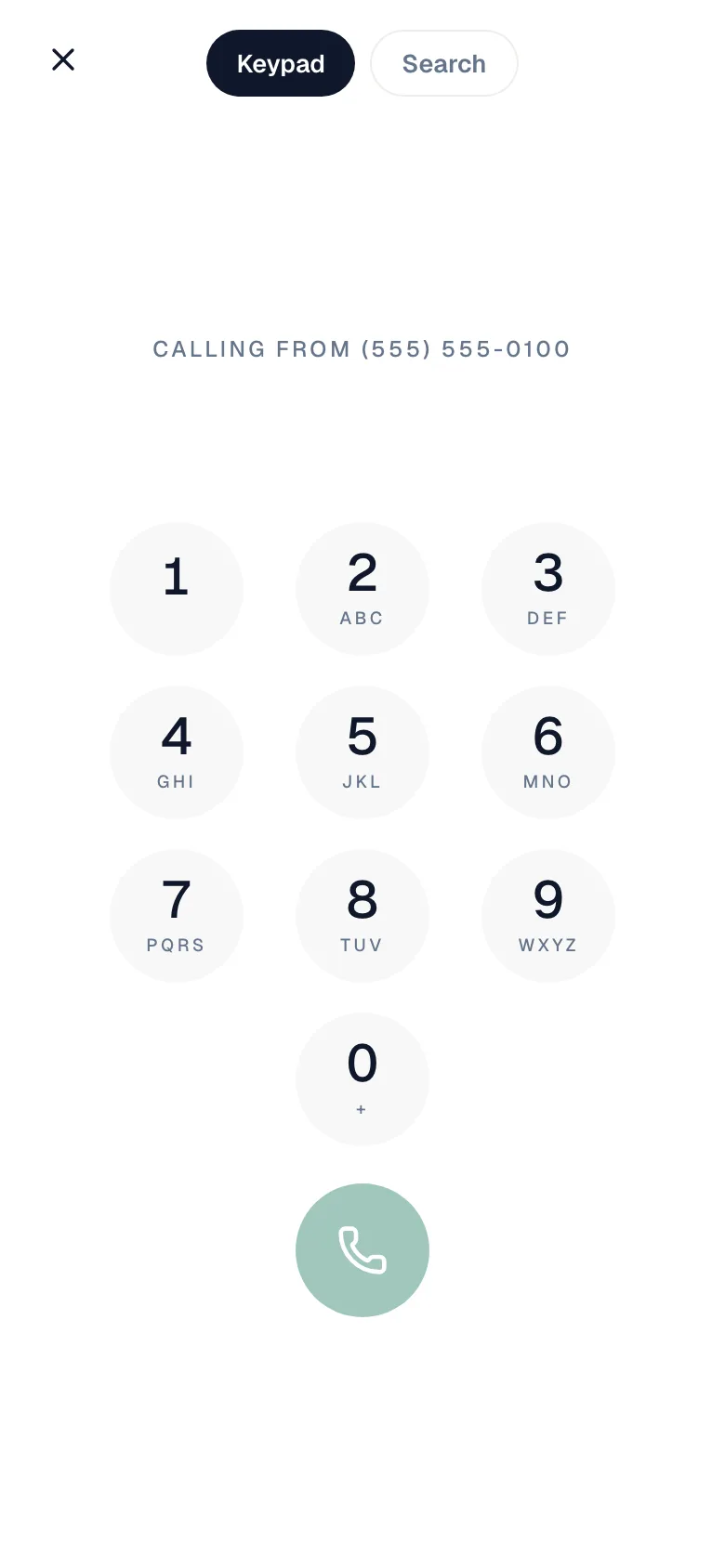
- Keypad lets you dial any number.
- Search finds a customer by name, company, or phone.
The dialpad only appears when your company has Run a Call Phone.
Good to know
- Incoming calls don't ring in the app. Calls to your business number ring the office, the AI Receptionist, or voicemail, depending on your company's phone setup. The app is for calling out.
- One call at a time. Starting a second call says Finish the current call first.
- No signal? The app switches to your phone's dialer: You're offline — calling from your phone instead. The same happens if an in-app call can't start.