
A role decides what a person can open and change in Run a Call. Every account starts with five built-in roles. If none of them fit someone exactly — a lead tech who books follow-ups, an office manager who shouldn't see payroll — duplicate a built-in role and adjust it.
Who can do this: owners and admins, from Settings → Team → Roles.
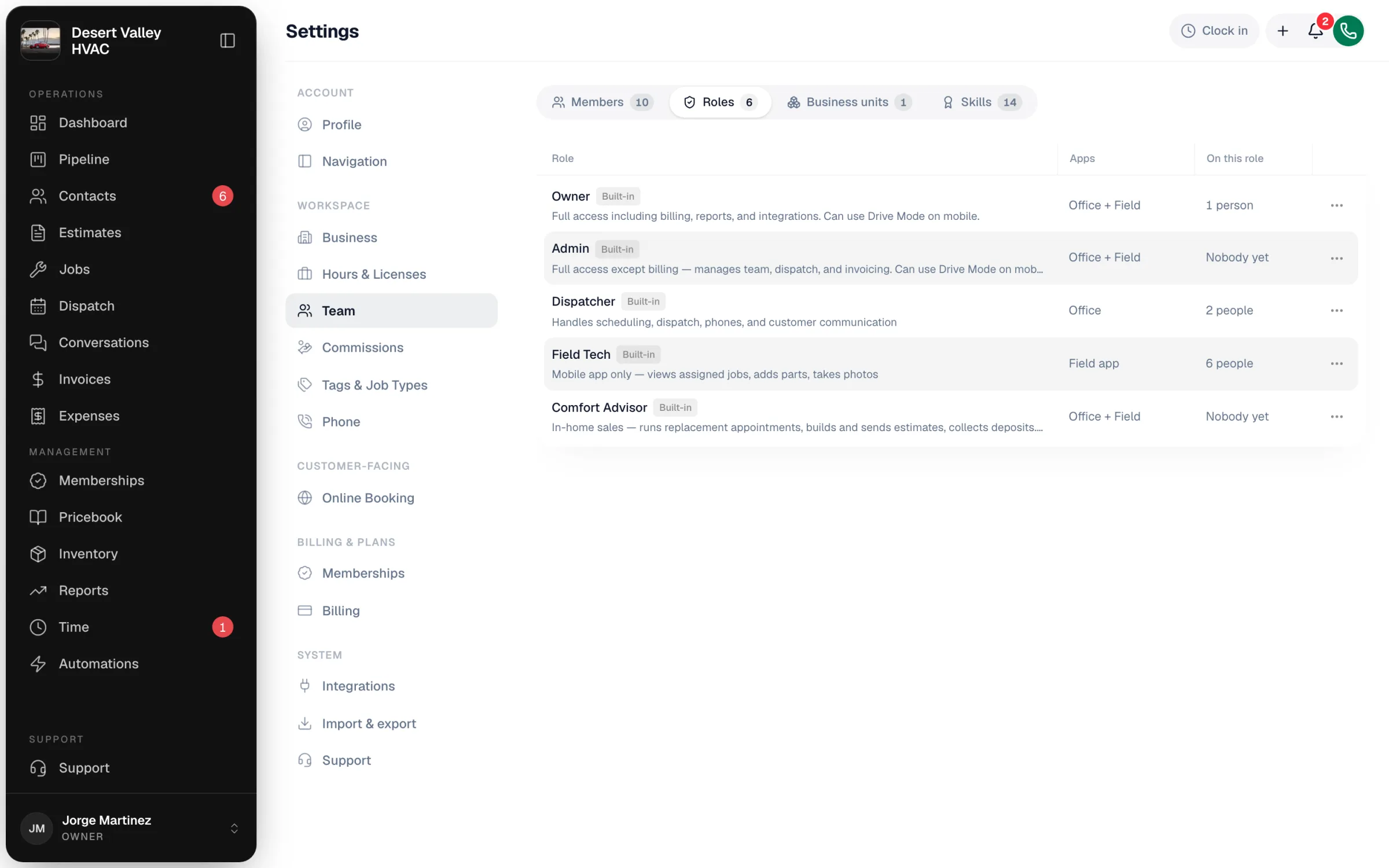
The built-in roles
| Role | App | In plain words |
|---|---|---|
| Owner | Office + Field | Everything, including billing, integrations, commissions, and membership plan settings. The person who opened the account. |
| Admin | Office + Field | Runs the business day to day: team, dispatch, invoicing, reports, and your Run a Call billing. Can't connect or change integrations (QuickBooks, online payments, API keys), commission plans, or membership plan settings. |
| Dispatcher | Office | Scheduling, dispatch, phones, texting, customers, estimates, invoices, and the pricebook. No reports, team, settings, or costs and profit. |
| Field Tech | Field app | The mobile app only. Sees just the jobs they're assigned (and those customers), adds parts, takes photos, builds estimates and invoices, and collects payment. No costs and profit. |
| Comfort Advisor | Office + Field | In-home sales: runs replacement appointments, builds and sends estimates, collects deposits. Sees prices but not costs; no payroll, team, settings, or reports. |
Roles that use both apps (Owner, Admin, Comfort Advisor, and any custom role with both apps turned on) can switch into the technician view on a phone with Drive Mode.
What each role can do
| Area | Owner | Admin | Dispatcher | Field Tech | Comfort Advisor |
|---|---|---|---|---|---|
| Customers | Everything | Everything | Look and change | Look only (their jobs) | Look and change |
| Jobs | Everything | Everything | Look and change | Look and change (their jobs) | Look and change |
| Schedule & Dispatch | Everything | Everything | Look and change | — | Look only |
| Estimates | Everything | Everything | Look and change | Look and change | Everything |
| Invoices & Payments | Everything | Everything | Look and change | Look and change | Look and change |
| Pricebook & Inventory | Everything | Everything | Look and change | Look only | Look only |
| Conversations (calls and texts) | Everything | Everything | Look and change | Look and change | Look and change |
| Expenses & Purchase Orders | Everything | Everything | Look and change | Look and change | — |
| Timesheets & Payroll | Everything | Everything | Look and change | — | — |
| Reports | Yes | Yes | — | — | — |
| Team | Everything | Everything | — | — | — |
| Settings | Everything | Most (not commissions or membership plans) | — | — | — |
| Integrations & Billing | Everything | Billing only | — | — | — |
| Can see prices | Yes | Yes | Yes | Yes | Yes |
| Can see costs and profit | Yes | Yes | — | — | — |
Give someone a role
- Go to Settings → Team.
- On the Members tab, click ⋯ on the person's row and choose Edit profile.
- Pick the new Role and click Save changes.
The change takes effect the next time they load a page. You pick a role when you invite someone, too — see How to add new team members.
Nobody can be given the Owner role from the team page, and the owner's row can't be edited there. You also can't hand out a role with more access than you have yourself.
Make a custom role
Built-in roles can't be edited. You start a custom role from a copy.
Duplicate the closest built-in role
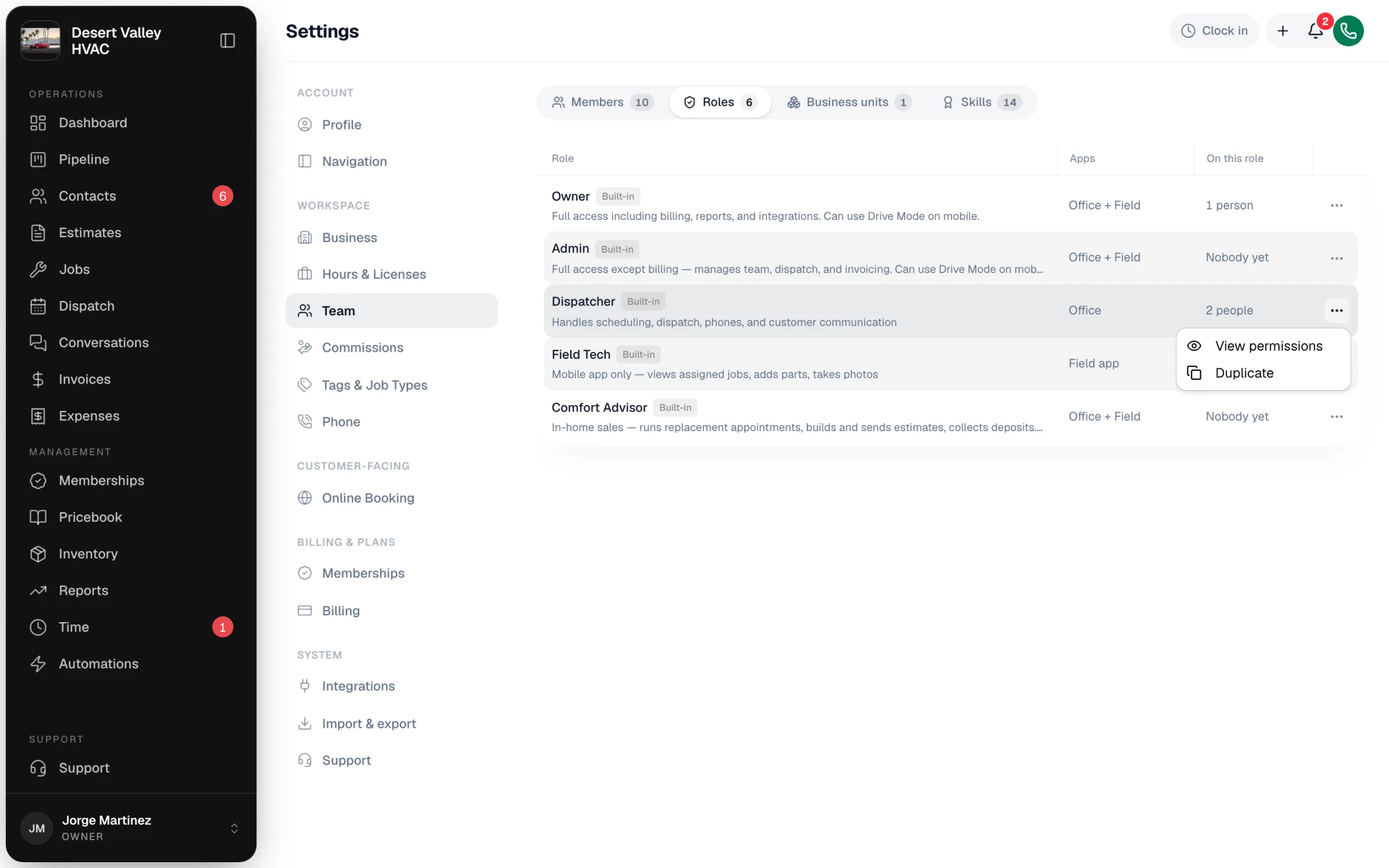
On the Roles tab, click ⋯ next to the role that's closest to what you want and choose Duplicate. (Choose View permissions to look at a built-in role without changing anything.)
Name it
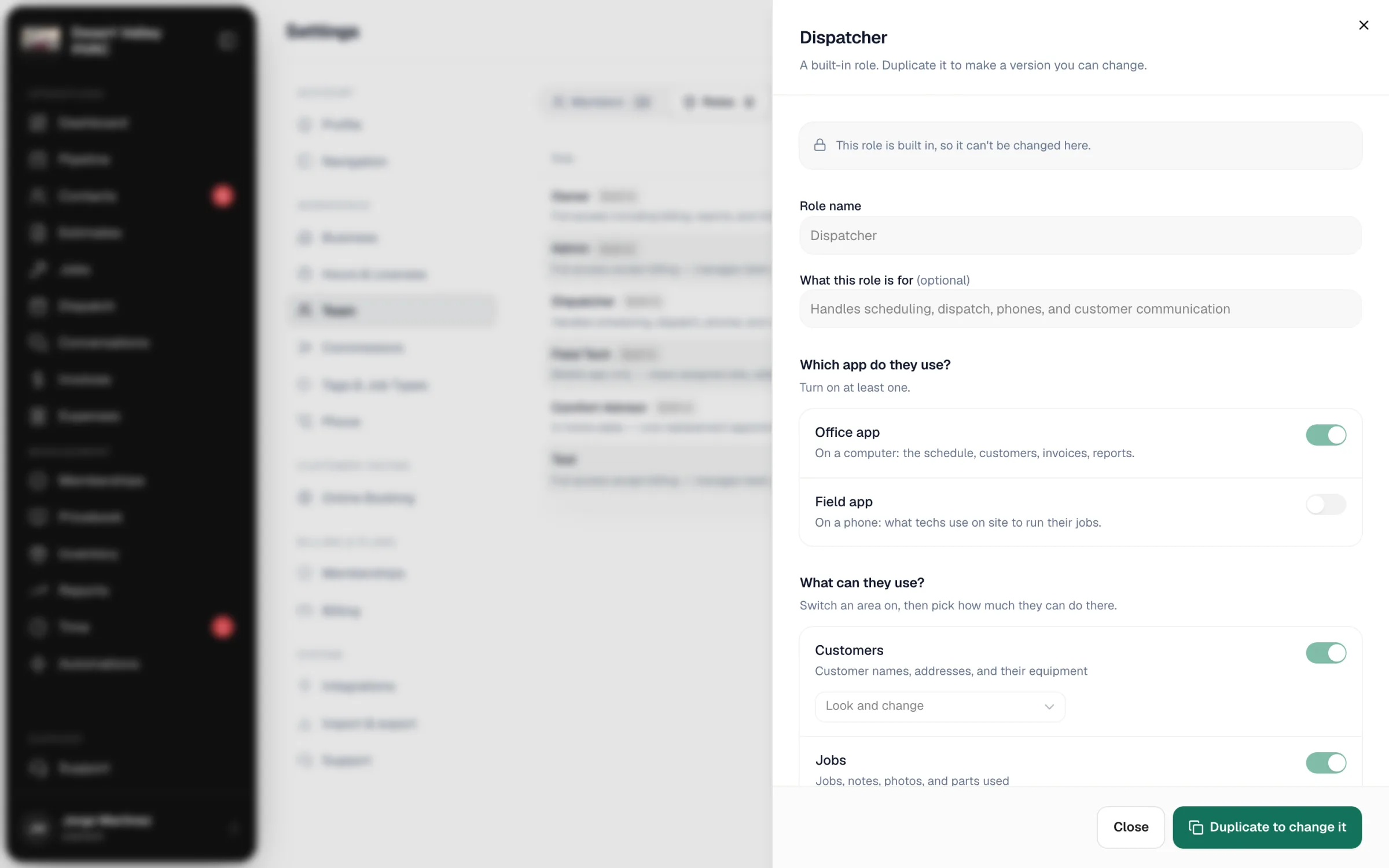
Give the role a Role name (for example Senior Tech) and, if you like, a line under What this role is for. The copy starts with exactly the same permissions as the original; the original doesn't change.
Choose the app
Under Which app do they use?, turn on Office app (the schedule, customers, invoices, and reports on a computer), Field app (what techs use on a phone), or both. At least one must be on.
Choose what they can use
Under What can they use?, switch each area on or off. When an area is on, pick how much they can do there:
| Level | Means |
|---|---|
| Look only | They can see it but not change it |
| Look and change | They can add and edit |
| Everything, including delete | Full control of that area |
Set money and job visibility
- Can see prices — prices and totals on jobs, quotes, invoices, and the price list.
- Can see costs and profit — what things cost you and what you made on each job. Turn on prices first.
- Which jobs can they see? — All jobs, or Only their own. Only their own also hides other people's customers, messages, and photos.
Create the role
Click Create role. It appears in the Roles list, and you can assign it to people from Edit profile.
Edit or delete a custom role
- Edit: click ⋯ → Edit role, make changes, and click Save changes. Changes apply to everyone on the role the next time they open the app.
- Delete: click ⋯ → Delete role. If people are on the role, pick another role under Move them to and click Move & delete. Deleting can't be undone.