
Your techs use the same pricebook as the office, but only from inside a job or estimate in the mobile app. This article is the office view: what techs can and can't do with your pricebook, and what you control from the office. For the tech's step-by-step, see Adding parts and labor on mobile.
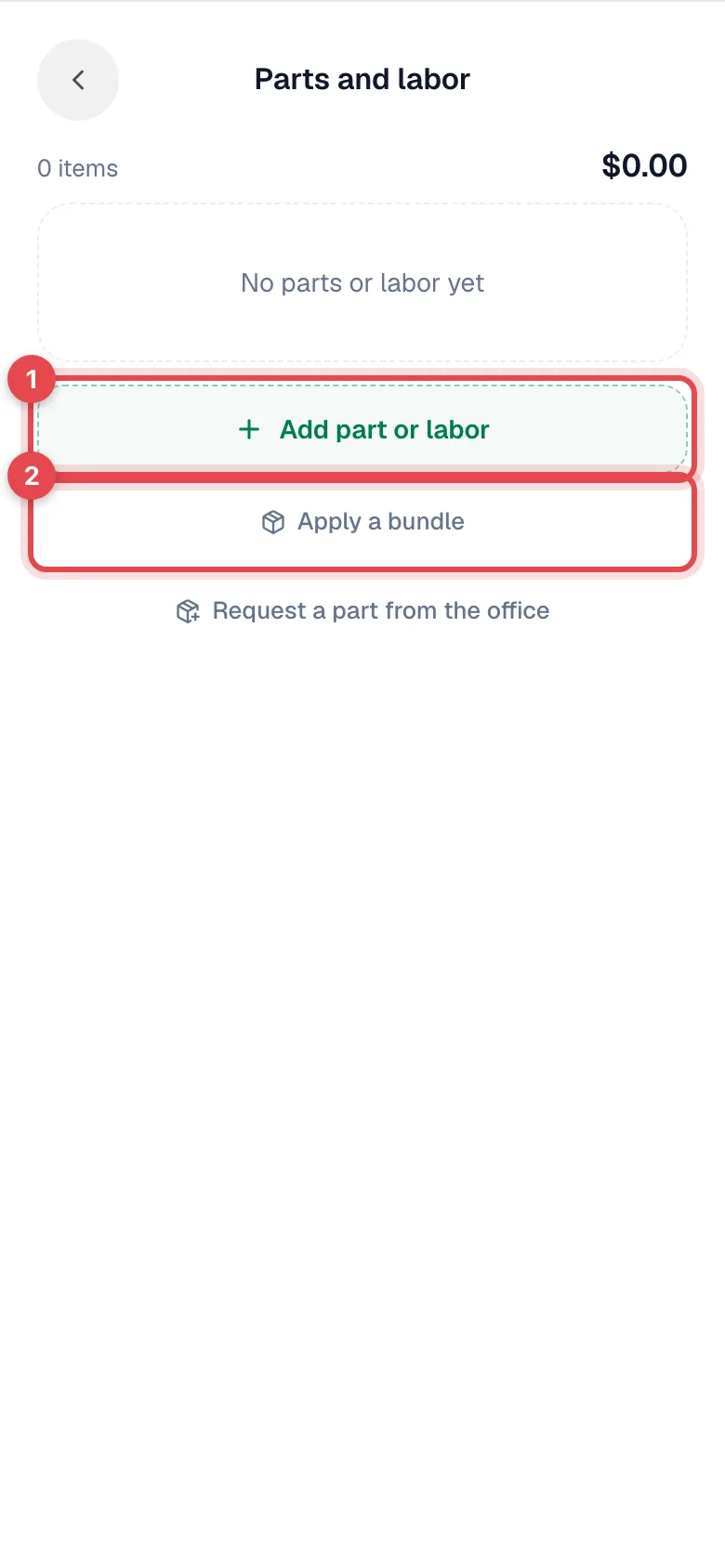
What techs can do
| On a job's Parts and labor | |
|---|---|
| Add pricebook items with quantities | Add part or labor |
| Add a one-off custom line and set its price | Add "…" in the search |
| Change the quantity or price on one line (this job only) | Tap the line |
| Add every item from a bundle template tier | Apply a bundle (needs a connection) |
| Ask the office to order a part | Request a part from the office |
On an estimate, techs also use Apply template and Apply bundle to build options from your bundle templates.
What techs can't do
- Open the Pricebook page, or create, edit or delete pricebook items, categories, bundles or forms.
- See item costs or margins.
- Change a job's parts and labor once an invoice for the job has been sent or paid.
What you control from the office
| You want to… | Do this |
|---|---|
| Stop techs picking an item | Turn off Show in pricebook on the item. It disappears from their search but stays on past jobs. |
| Make items easier to find | Organize categories; they appear as filter chips in the tech's search. See Creating and managing item categories. |
| Give techs flat-rate packages | Build bundle templates. See Creating bundle templates. |
| Fix a wrong price | Edit the item. New lines use the new price; lines already on jobs keep theirs. |
| Hide prices from a role | If you use custom roles, turn off Can see prices for that role. |
| Review a price a tech changed | Open the job's Parts & Labor tab in the office; the line shows the price that will be invoiced. |