
Inventory tracking keeps a running count of the parts you stock, what they're worth, and which ones are running low. Counts go down automatically as techs use parts on jobs and go up when you receive purchase orders, so the numbers stay current without anyone keeping a spreadsheet.
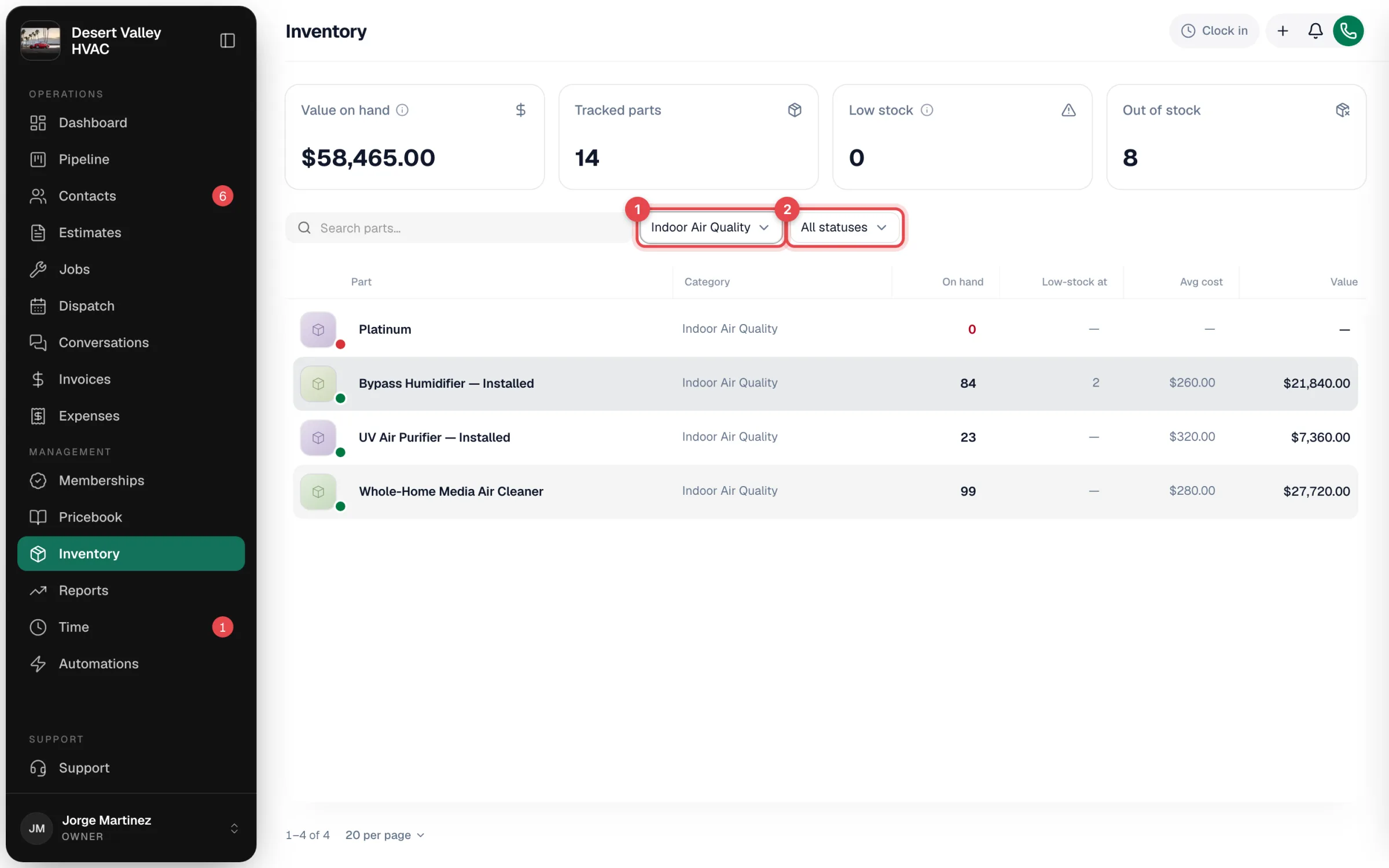
Before you start
Inventory is off until an owner or admin turns it on under Settings → Pricing. See Enabling inventory tracking. Once it's on, Inventory appears in the sidebar for owners, admins and dispatchers. Field techs don't see the Inventory page.
What's tracked
Every pricebook item of type Part is tracked (you can switch tracking off for an individual part). Services, labor and equipment items aren't. For each tracked part, Run a Call keeps:
| Number | What it means |
|---|---|
| On hand | How many you have. It can go below zero if parts are used before stock is recorded. |
| Low-stock at | Your warning level. At or below it, the part shows as Low. Leave it blank for no warning. |
| Avg cost | Your weighted average cost per unit, updated each time you receive a purchase order. Until the first receipt, the item's pricebook Cost is used. |
| Value | On hand × average cost. |
How stock changes
| What happens | Effect on stock | Details |
|---|---|---|
| A tracked part is on a job and the job is under way (En Route, On site, Completed, Invoiced or Closed) | Goes down by the line quantity, off the lead tech's truck when you track stock per truck | How jobs consume stock |
| A purchase order is marked Received | Goes up by each line's quantity and updates average cost | How purchase orders receive stock |
| Someone records an adjustment | Up or down, with a reason | Making a manual stock adjustment |
| Someone transfers stock between locations | Total unchanged; moves from one truck or warehouse to another | Track stock per truck |
Every change is listed in the part's Activity, with who made it and a link to the job or purchase order.
Good to know
- One count per part, or one per location. You start with a single count. Add trucks and warehouses under Inventory → Locations and each keeps its own count, with transfers between them. See Track stock per truck.
- Warnings are on screen only. Low and out-of-stock parts show on the Inventory page; nothing is emailed and no purchase order is created automatically.
- Adjustments don't change average cost. Only received purchase orders do.
- Custom lines don't count. A line typed on a job that isn't a pricebook part never touches stock.