
Each membership plan has a Repair discount, such as 10% for Bronze or 20% for Gold. Run a Call shows that member rate to your team wherever they work on a member's job. The discount isn't taken off prices for you: you apply it on the job, estimate or invoice.
Set the discount
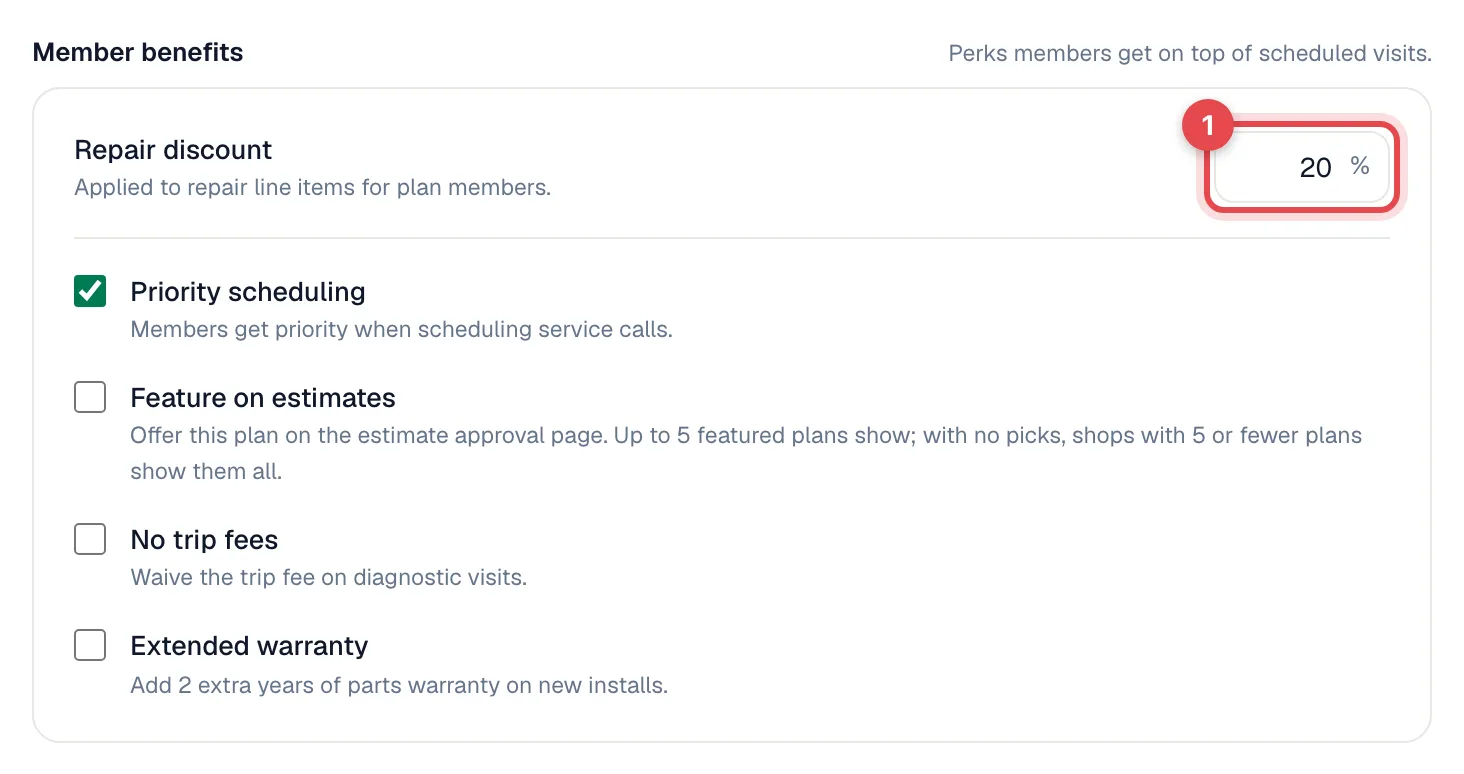
Edit the plan (Memberships → Plans → Edit) and enter a percentage under Member benefits → Repair discount. See Creating a membership plan.
Where your team sees the member rate
| Where | What they see |
|---|---|
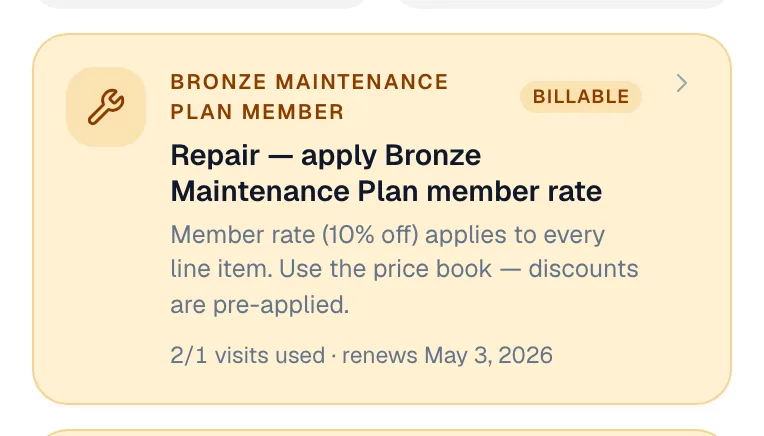
| Mobile app job | A member card at the top of the job, such as Repair — apply Gold Maintenance Plan member rate with the percentage, and the Membership row with the plan's Repair discount. |
| Office job page | The member's plan on the job. |
| Membership page | The discount under Plan benefits. |
| Enrollment and plan pickers | 20% off repairs on each plan card. |
Apply the discount
Prices aren't lowered automatically when a member's job is created or items are added. Apply the member rate yourself:
On one line (office job or invoice): open the line's ... menu, choose Add discount, enter the plan's percentage and apply.
On the whole invoice: use Add discount in the invoice totals.
On an estimate: use Add discount on the lines or on the option.
In the mobile app: techs can't add a discount to job lines. They can change a line's price to the member rate, or leave the discount to the office. See Adding parts and labor on mobile.
The member card in the mobile app tells techs that "discounts are pre-applied" in the price book. They aren't; pricebook prices are the same for members and non-members.
Covered tune-ups work differently from repairs: their invoice lines count toward the value included in the plan. See Scheduling membership tune-ups.
Show members what they saved
The membership page's Value to this customer card adds up what the member has received from the plan (covered visits and repair savings) since they joined. It's a useful number for renewal calls.
Savings figures on the membership page and in the mobile app are estimates based on the plan's repair discount. They assume the member rate was applied to the member's repair lines.