
Your business hours are the days and times your company is open. Run a Call uses them to size the dispatch board, to decide what counts as after hours for your phone line, and to limit when automations and suggestions happen. Set them once, and change them when your season changes.
Who can do this
Owners and admins.
Set your hours
Open Hours & Licenses
Go to Settings → Hours & Licenses and scroll to Business hours.
Turn each day on or off
Use the switch next to each day. A day that's off shows Closed.
Pick the opening and closing time
For each open day, choose the open time and the close time.
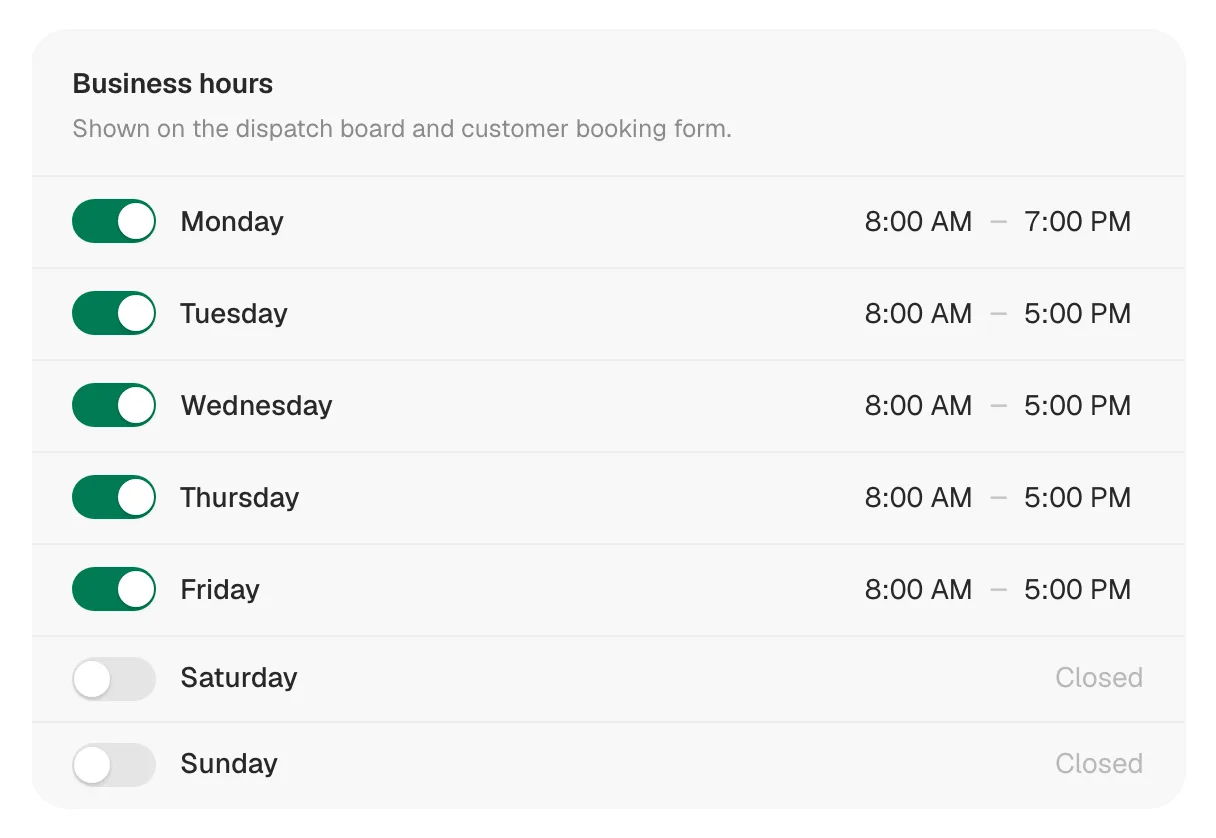
Changes save on their own — a Saved message appears after each edit. There's no Save button to press.
Each day has one opening time and one closing time. There's no separate lunch break. To keep a midday window free on the board, add a Keep time free block — see Blocking time on the dispatch board.
If you've never set your hours, the card starts at Monday to Friday, 8:00 AM to 5:00 PM, weekends closed.
Set your time zone
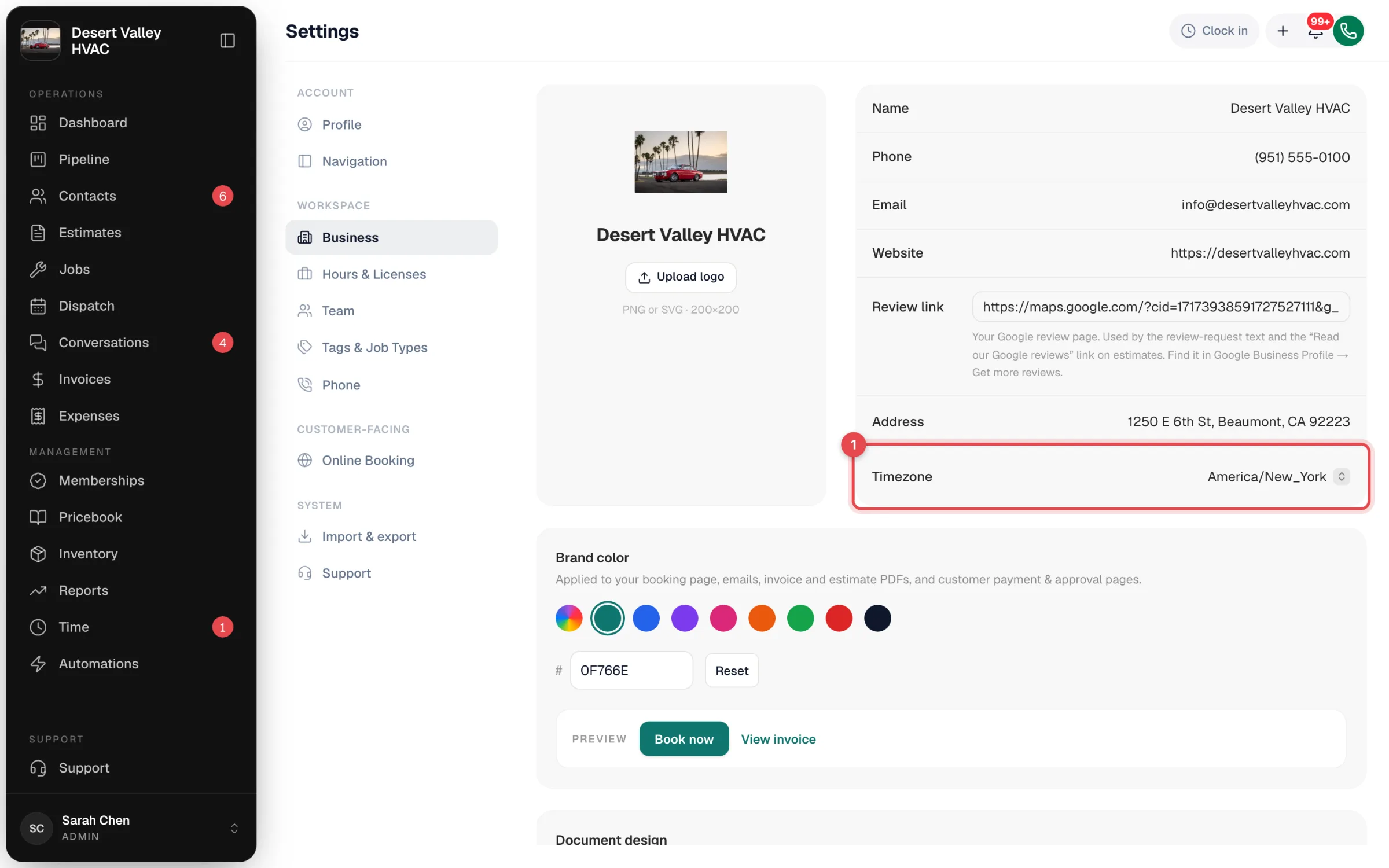
Business hours are in your company's time zone. Check it under Settings → Business in the Timezone row.
What your business hours control
| Where | What happens |
|---|---|
| Dispatch board — Timeline · Day | The time axis starts an hour before you open and ends an hour after you close that day. It stretches if a job runs later. A closed day shows 7 AM to 6 PM. |
| Dispatch board — Calendar Day and Week | The grid covers your earliest opening to your latest closing across the week, plus an hour either side. |
| Assign… in the queue | The automatic slot search starts at the beginning of the board's day, an hour before you open. |
| Runny's suggestions | When Runny assigns a batch of jobs, it doesn't propose a start time at or after you close. You can still drag a job later by hand. |
| Customers picking their own time after approving an estimate | When Customers pick their own time is on for estimates, each open day is offered as a morning and an afternoon slot based on your hours. With no hours set, no slots are offered. |
| Your phone line | Calls outside these hours follow your after-hours routing. In call flows, a schedule step can use Company business hours. |
| AI Receptionist | Knows today's hours, and transfers can be limited to During business hours. See Messages by default, transfers when you say so. |
| Automations | A step can wait with Only send during business hours. |
What business hours don't control
- Each technician's working day. Techs have their own weekly hours, and those decide the striped "off" time on their row and the Outside working hours warning. See Setting team working hours, time off and company holidays.
- Holidays. Add a company holiday so everyone shows as off. See the same article.
- The online booking page. Customers who book online send you a request, and you schedule it. They don't pick a time from your hours.
- When the day-before reminder text goes out. That's sent in the morning the day before, whatever your hours are. See What customers receive when you schedule a job.